Integrate myStrom into your KNX smart home


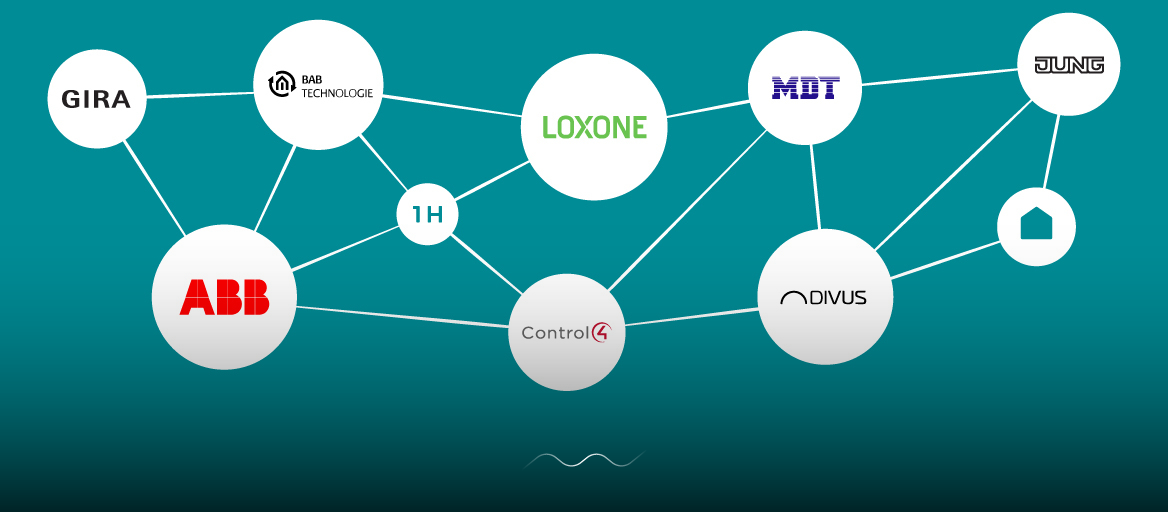
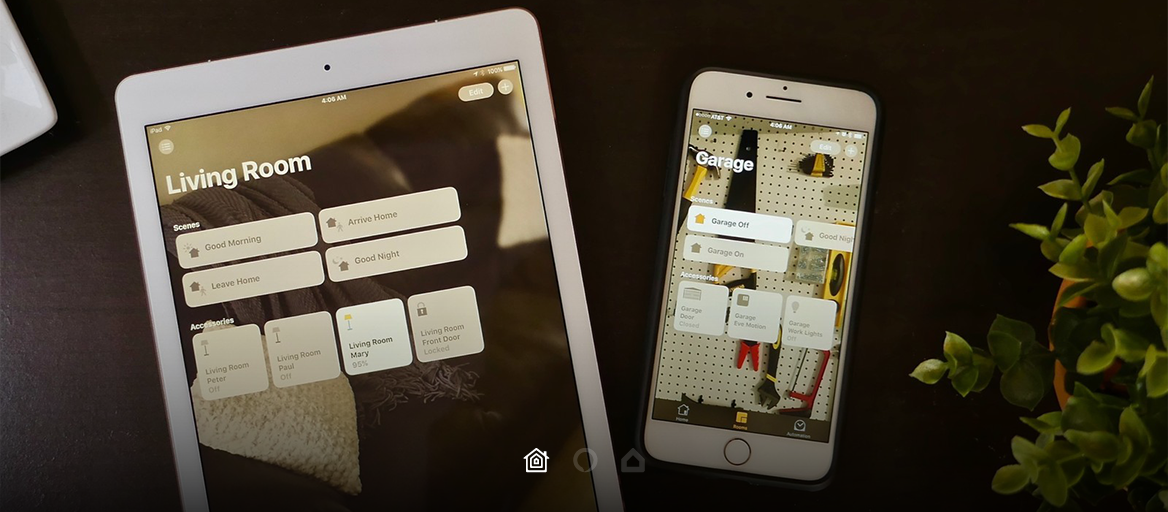
1Home integrates the wired world of bus smart homes and wireless world of IoT devices. Automate both and create custom routines: Get a notification on your phone when you leave your window open on a rainy day. Or let your ventilation start once the CO2 levels raise above desired stage. Use any sensor in your home as an automation trigger.


Get hands-free help around the house with the Google Assistant and the Google Home smart platform. Just say “Hey Google" and gain control, get answers, play music or start Roomba, myStrom or other wireless products. You can also easily create complex routines with a friendly user interface that operates all your Google-compatible devices.


✓ Single sleek mobile app for managing your BUS (KNX or Loxone) devices together with wireless devices
✓ Independence in automation management
✓ Voice control & geofencing for a cooler home
✓ Setup and management with the help of our support team, no technical knowledge required

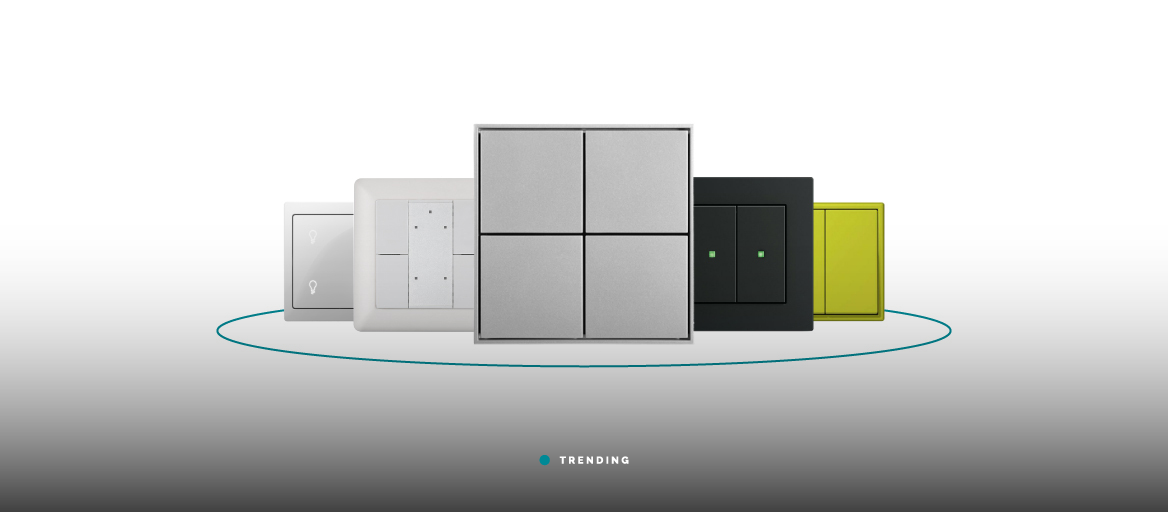
KNX is the standard for bus-based smart home systems. All your smart devices will communicate via the KNX bus line that acts as a central nervous system for all your devices and automations. The KNX cables is installed in addition to the conventional mains supply during a new build or renovation project. With KNX, you can connect, manage and control all your home devices such as lights, sensors, detectors, blinds, security systems etc. Installed KNX devices can be accessed via LAN, point-to-point links, or phone networks for central or distributed control of the system via computers, tablets and touch screens, and smartphones.
Learn more