Connect WAC Smart Fans to your KNX smart home


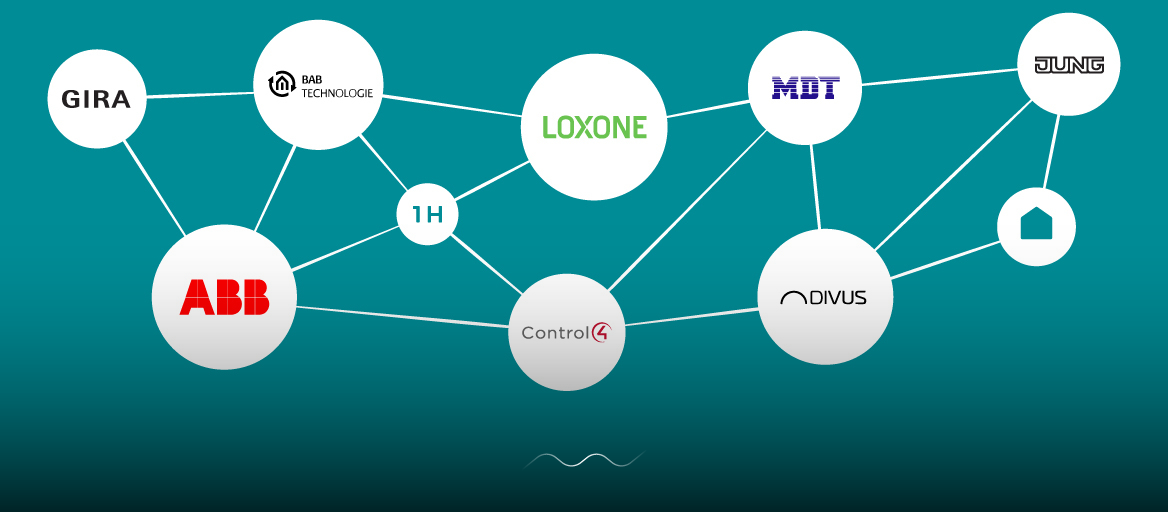
It's time to extend your wired smart home with wireless options with 1Home. The integration will let you orchestrate all devices as if they were made by the same company.Open your blinds, play relaxing morning music and deactivate your security system automatically when your alarm goes off in the morning.


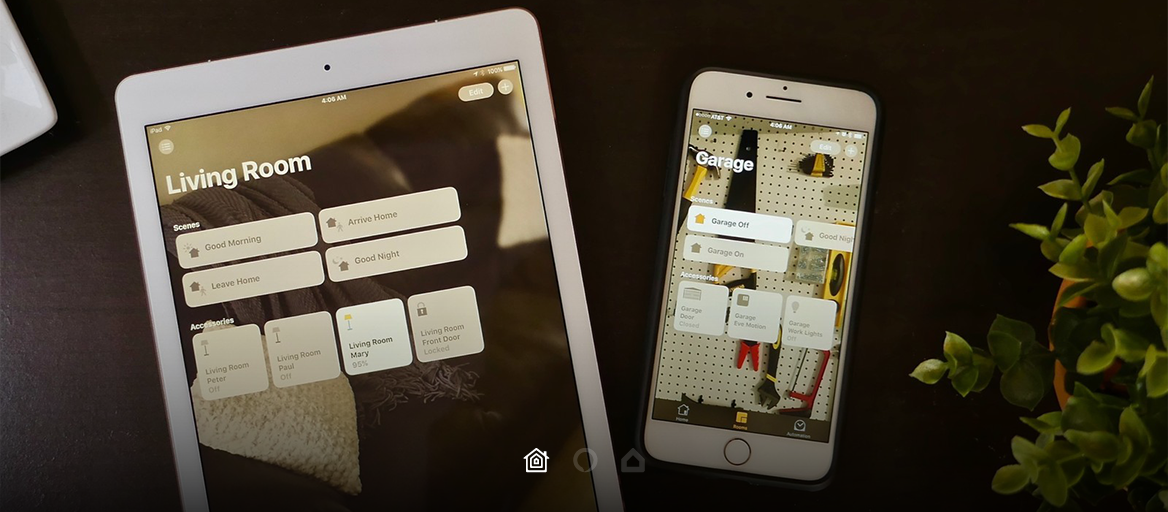
Use the simple Google Home mobile app to set up your Google-enabled devices, listen to great music, control your KNX smart home, get news updates, and much more. The more you use Google, the more it adapts to your habits and lifestyle. You can start by saying "Hey Google", to wake the assistant and then command, or tap the device or device group in the mobile app.


✓ Single sleek mobile app for managing your BUS (KNX or Loxone) devices together with wireless devices
✓ Independence in automation management
✓ Voice control & geofencing for a cooler home
✓ Setup and management with the help of our support team, no technical knowledge required

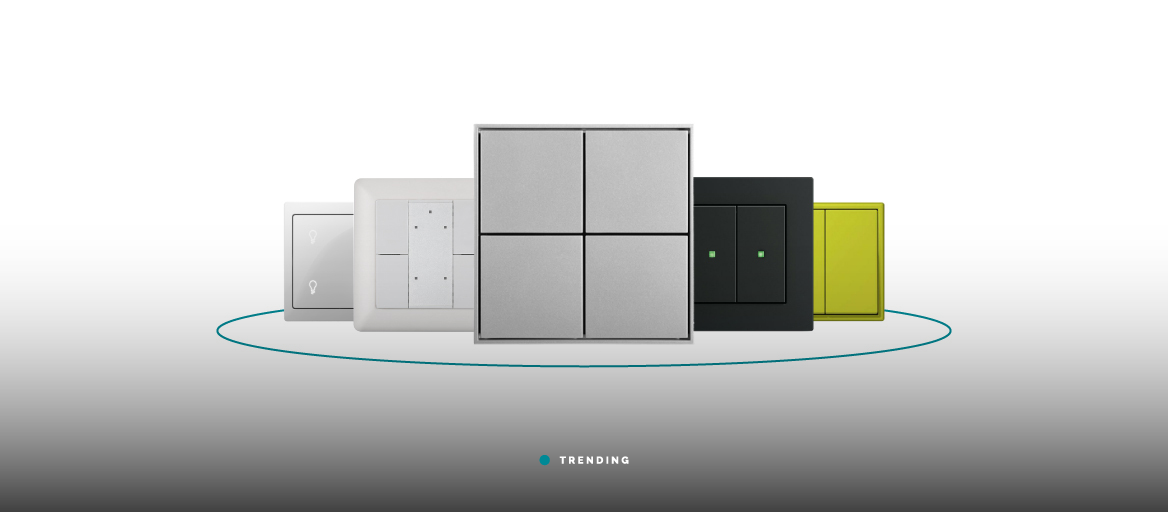
KNX is the world-wide standard for smart homes. Their goal is to make life simpler with reliable and user-friendly automations that control and manage functions such as lights, blinds, HVAC, security systems, multimedia, smart devices and more. When planning a smart home you can pick any product labeled with the official KNX trademark, which means that it's been tested out by KNX accredited third party test labs. During the testing stages for KNX compatible products, each device is checked that it is able to support the KNX protocol and useful data is coded according to the global KNX standardized Data types.
Learn more