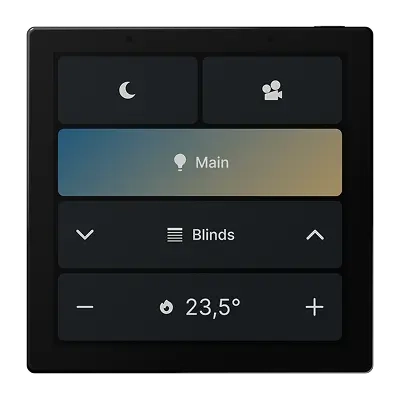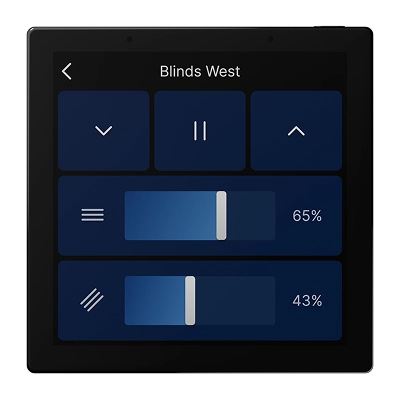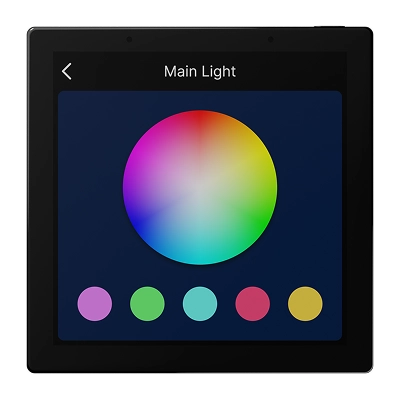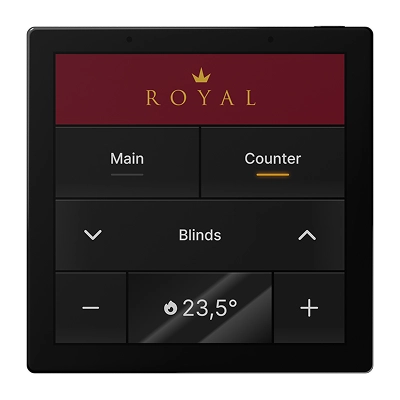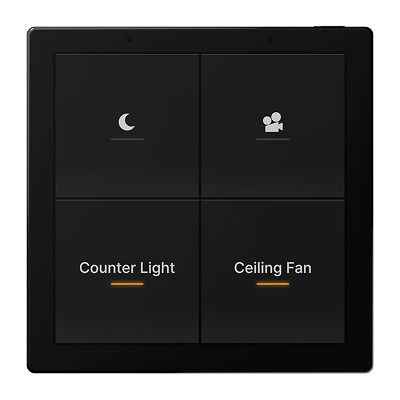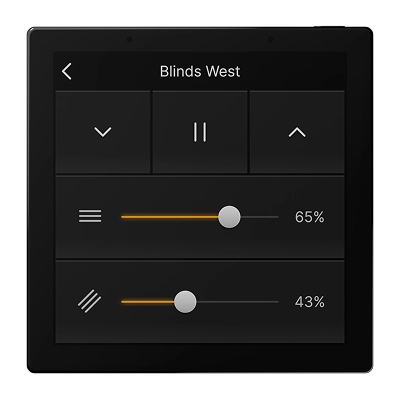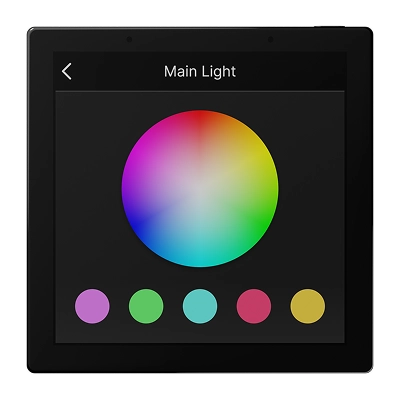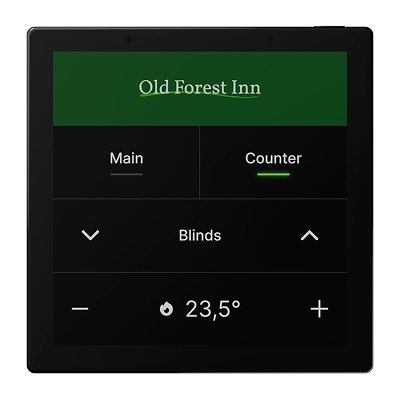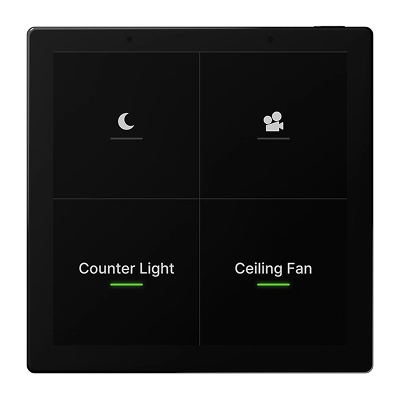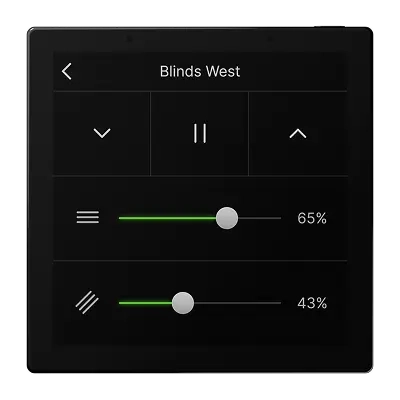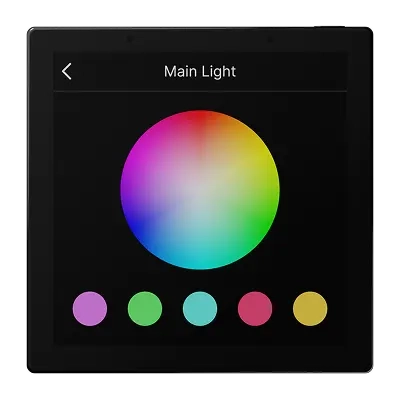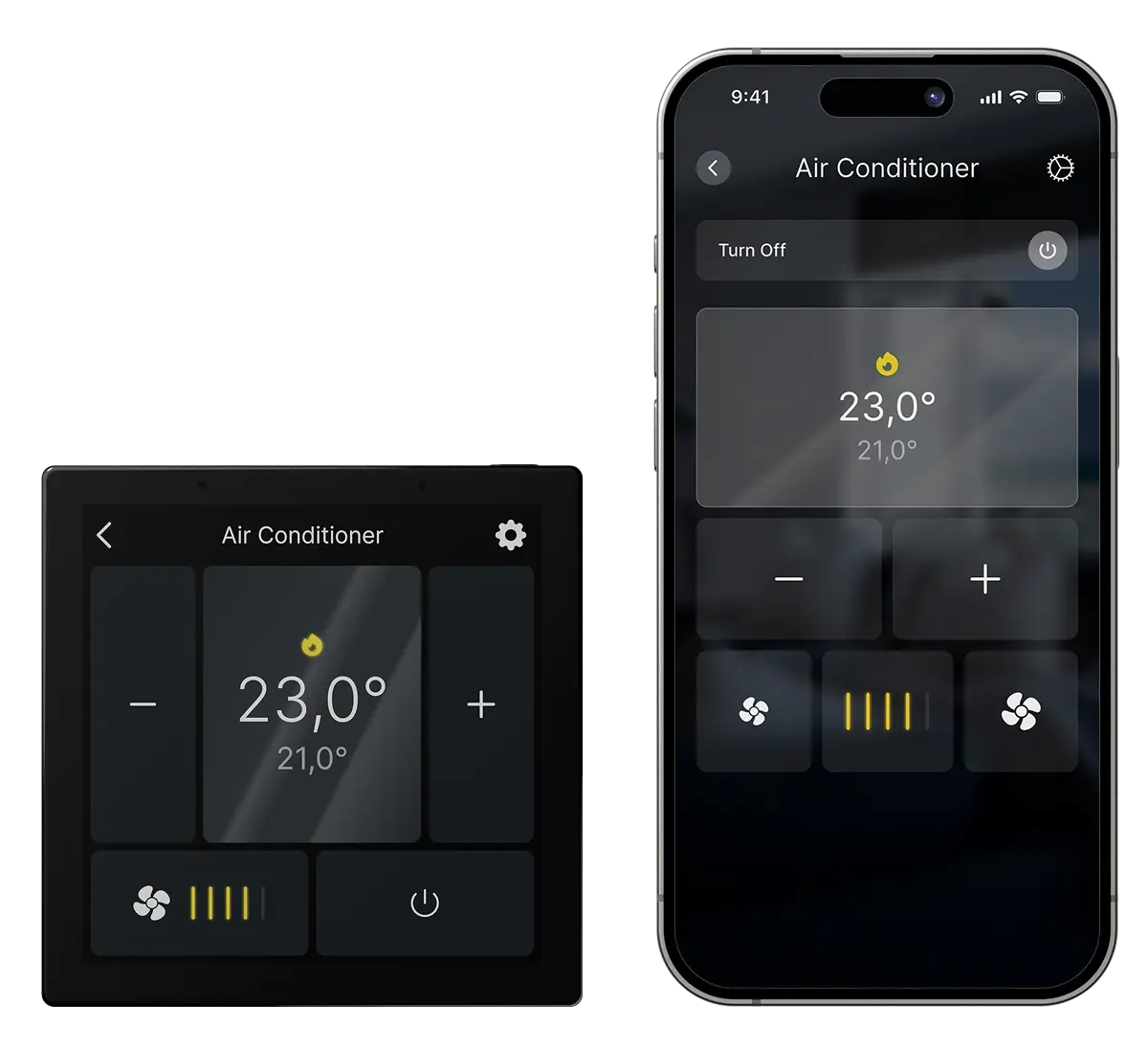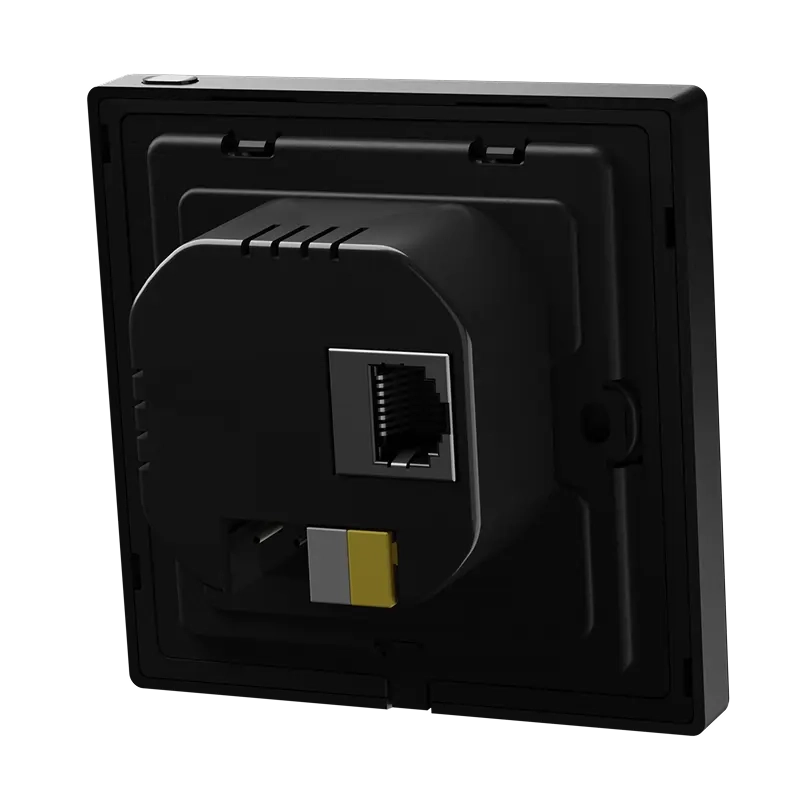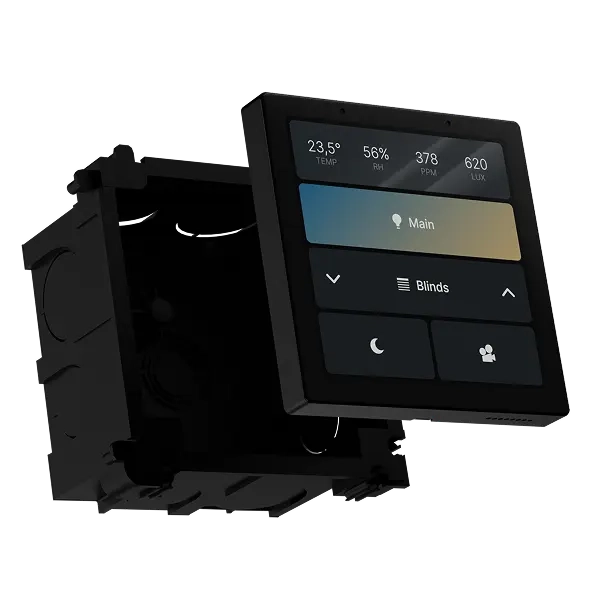




Room-to-room communication
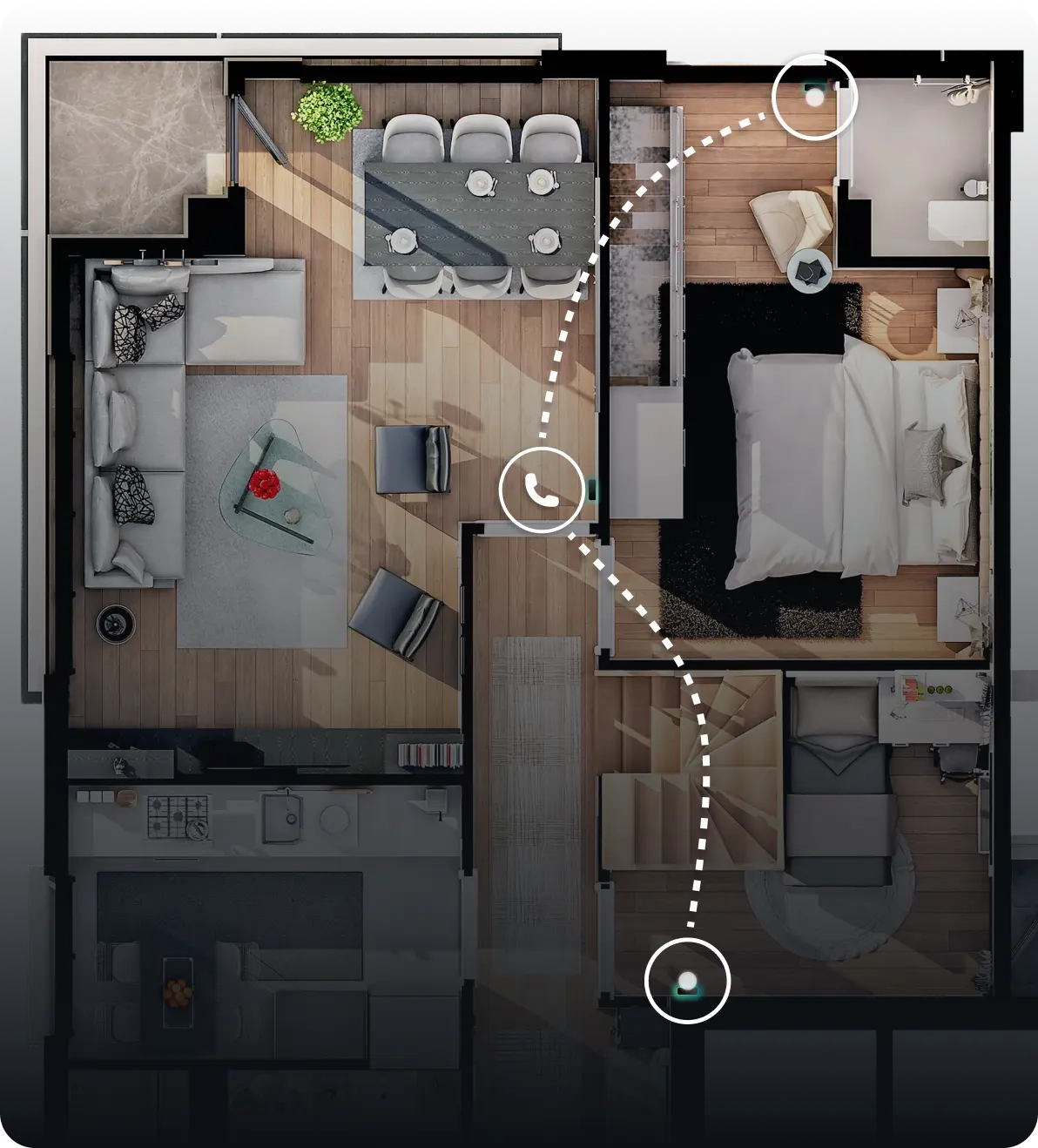
Use the built-in SIP intercom to communicate instantly between 1Home Touch panels. Whether you're calling the kids for dinner or checking in with another room, communication is just one tap away.
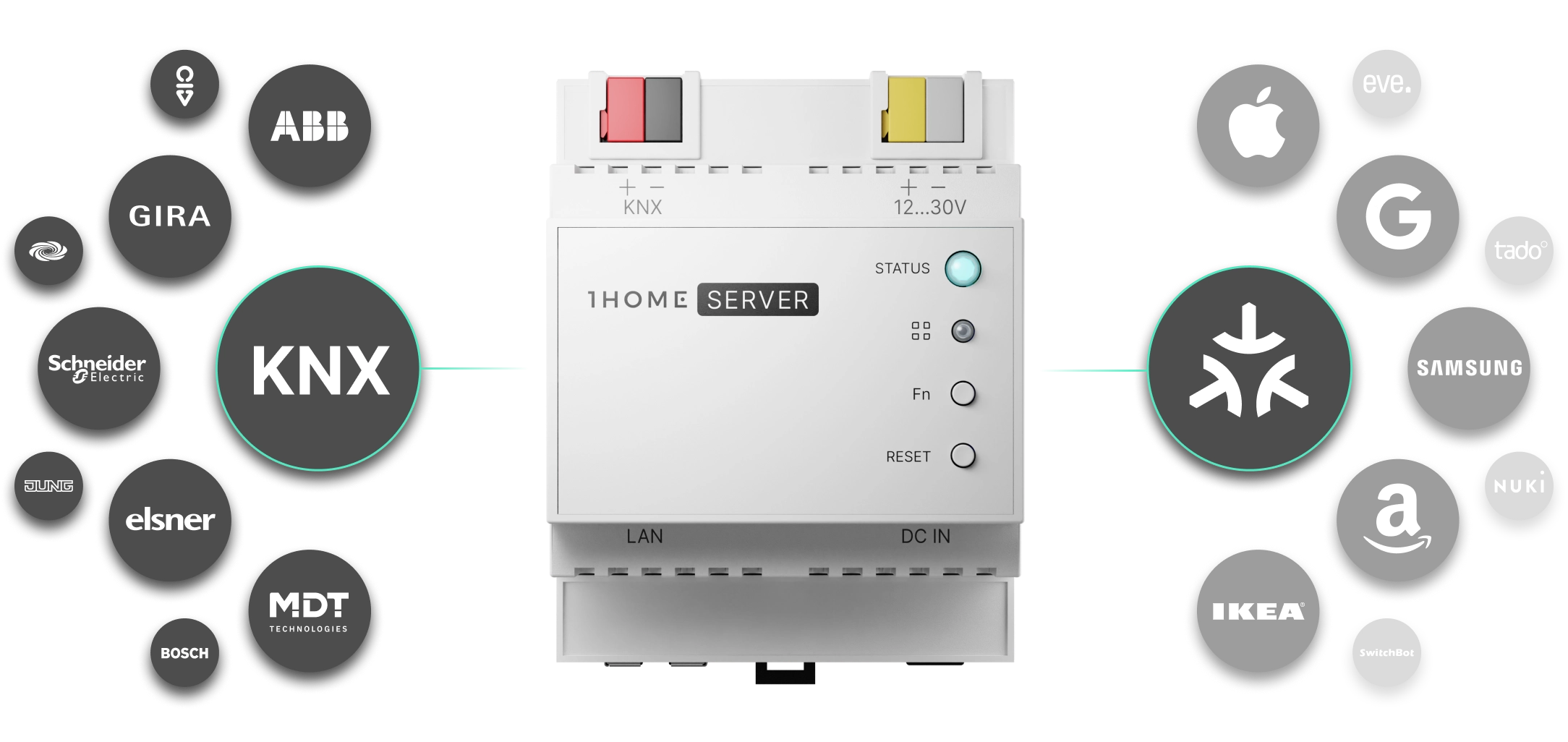
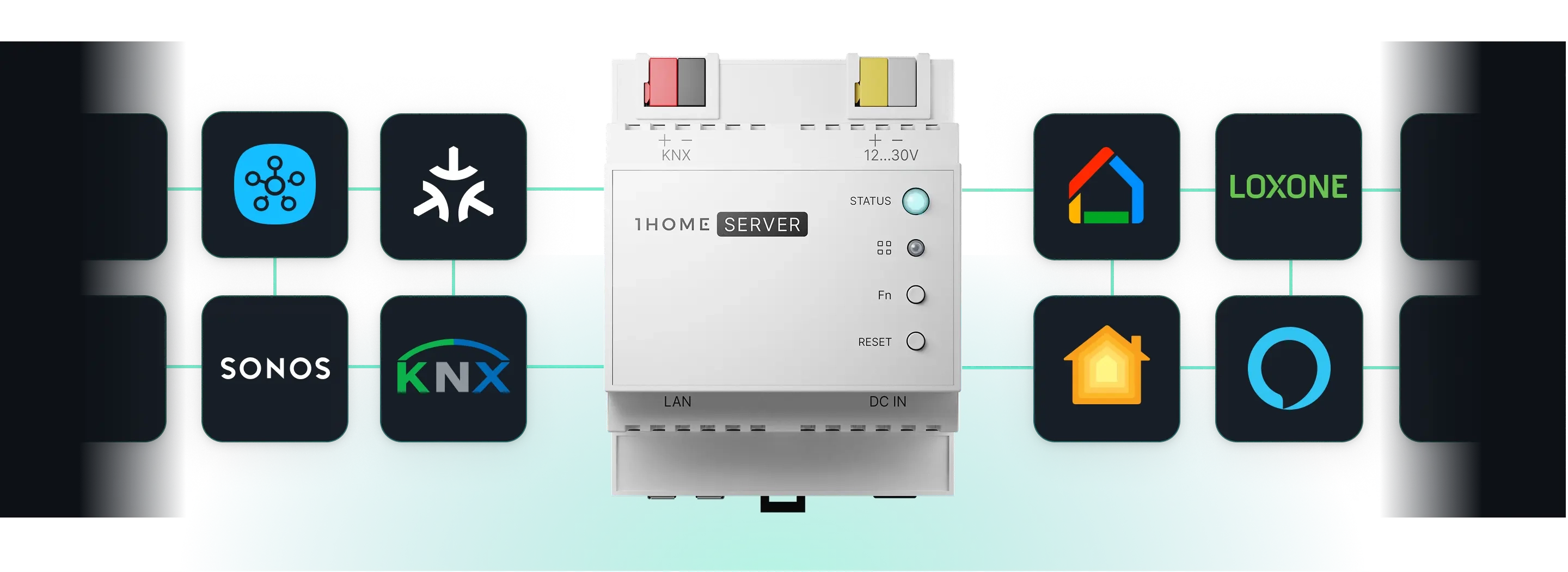
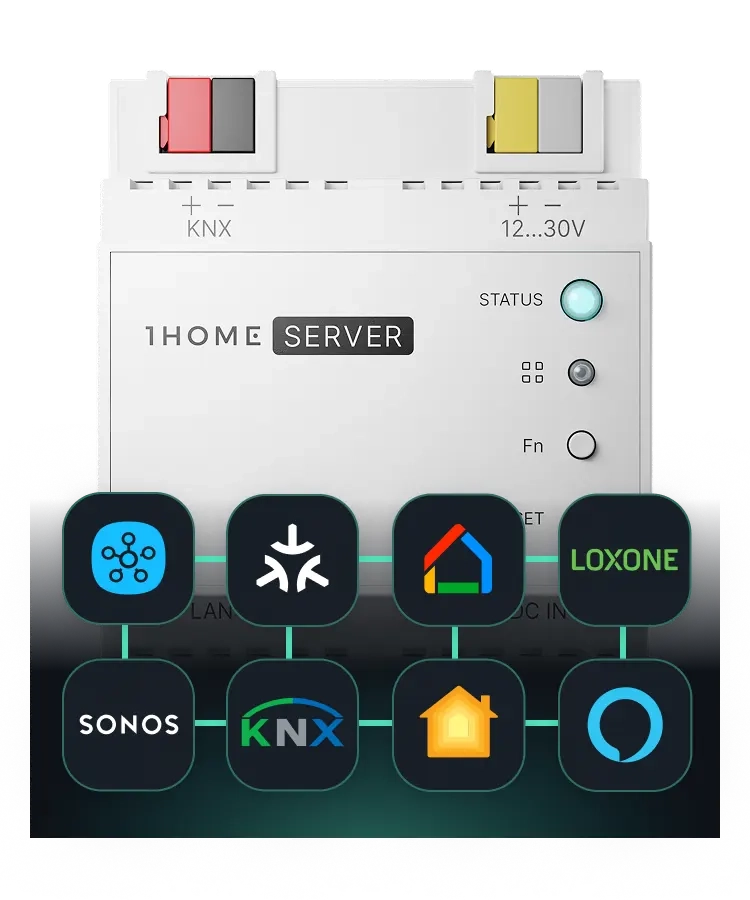
Whether you use KNX, Loxone, or Matter, we'll be the central brain that unites all your devices, offering app and voice control, seamless interoperability, and advanced automation.
Learn more
For KNX
1Home Touch highlights
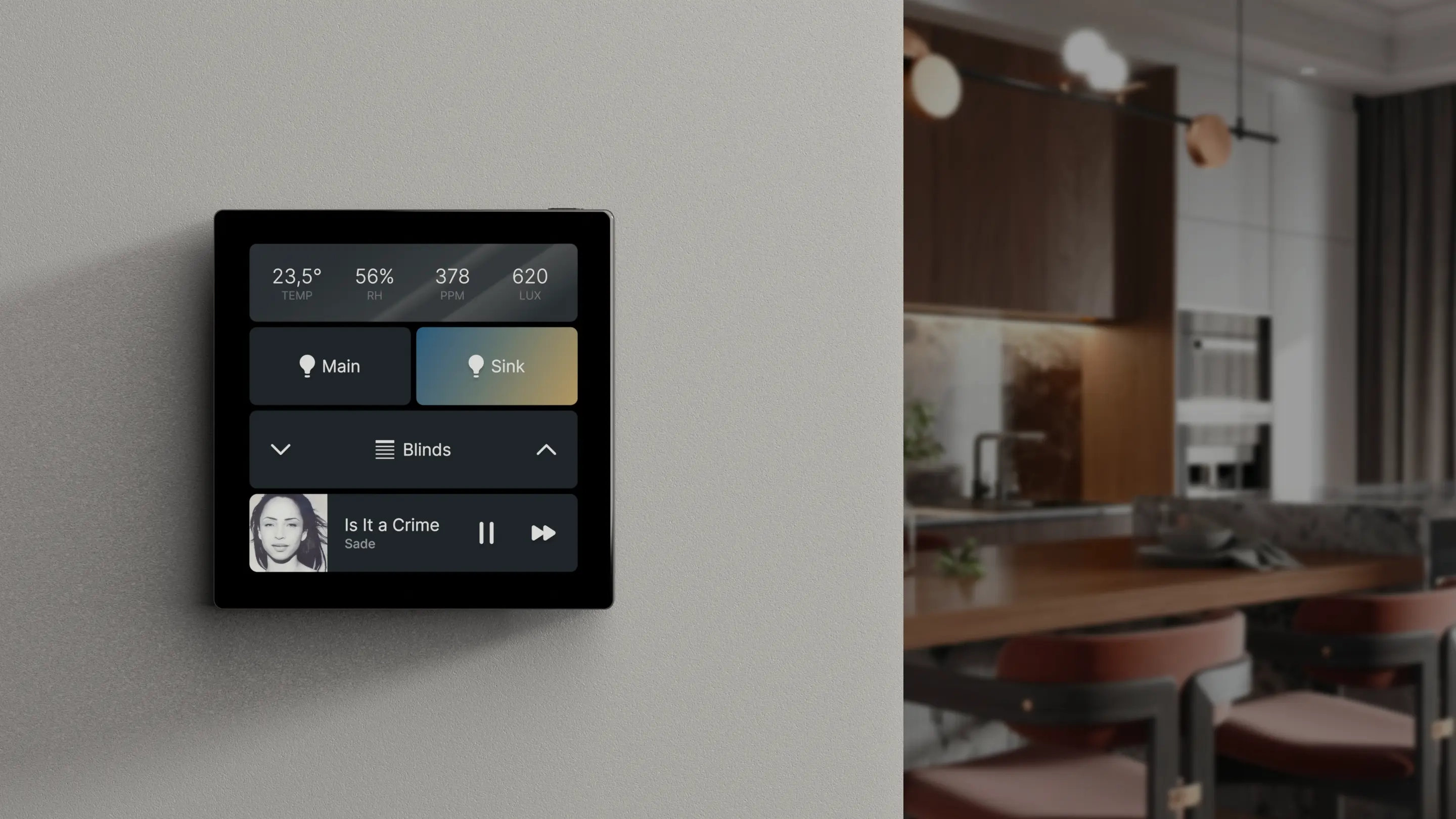
KNX, Matter, or all of them combined. 1Home Touch gives you a new layer of control over devices in your 1Home ecosystem.
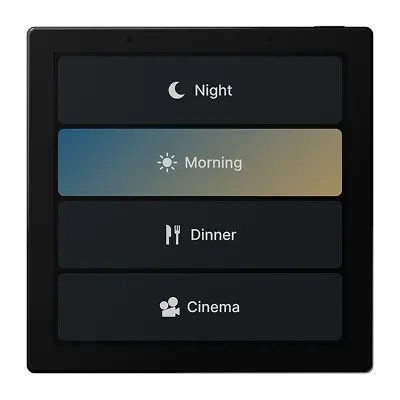
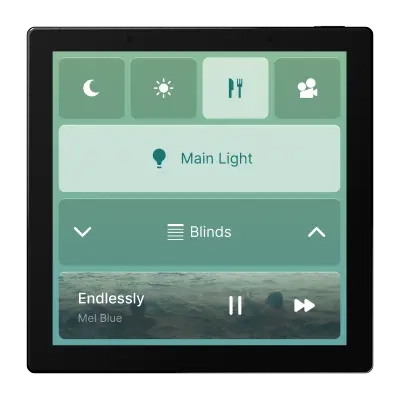
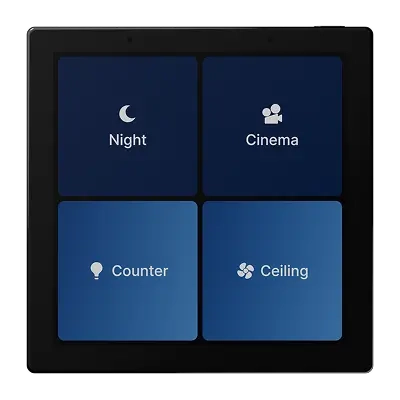
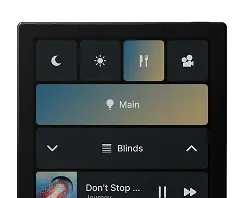
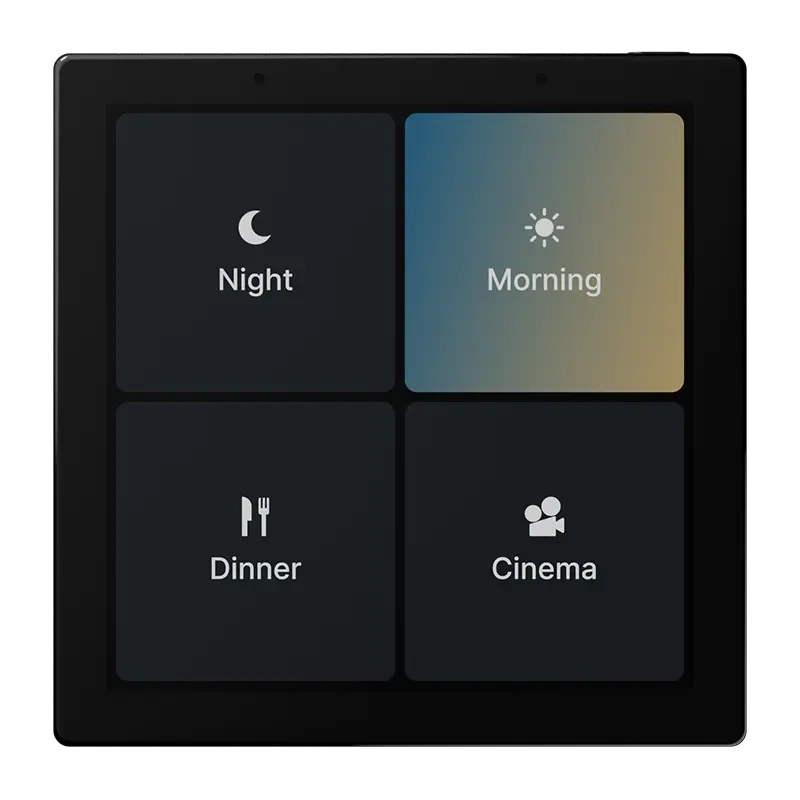
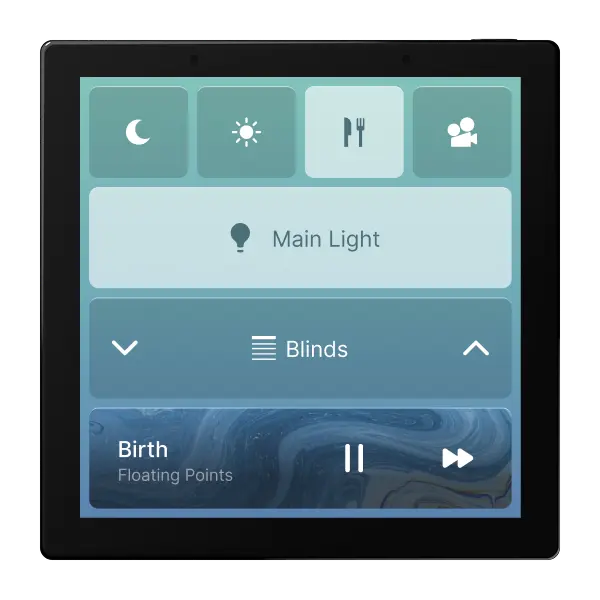
Dinner mode, Cinema time, Goodnight. All 1Home Scenes now live on 1Home Touch, ready for when the mood needs setting.
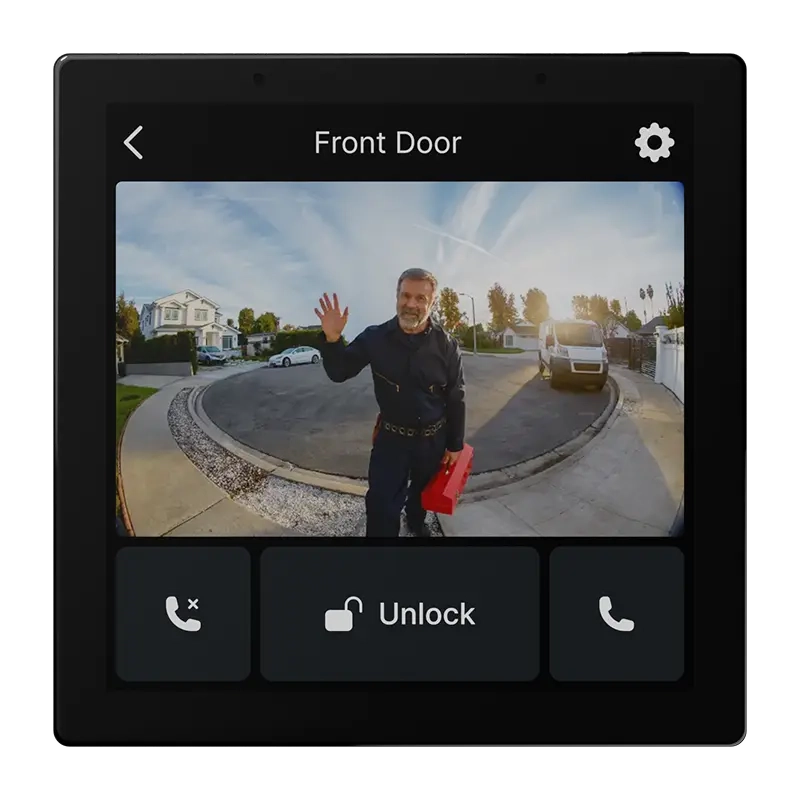
Use your SIP intercom from any room, and easily talk with your visitors thanks to the integrated microphone and speaker.
Privacy-first
Microphone is only active when you need it for the intercom. The rest of the time it stays off.
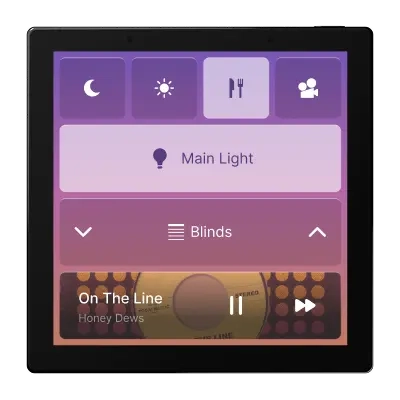
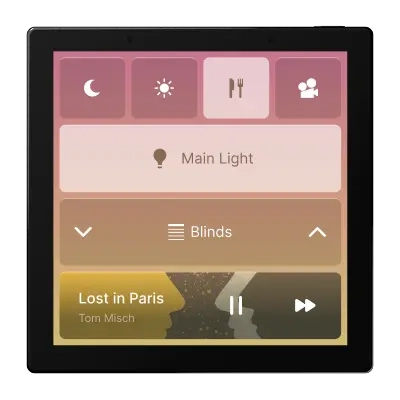
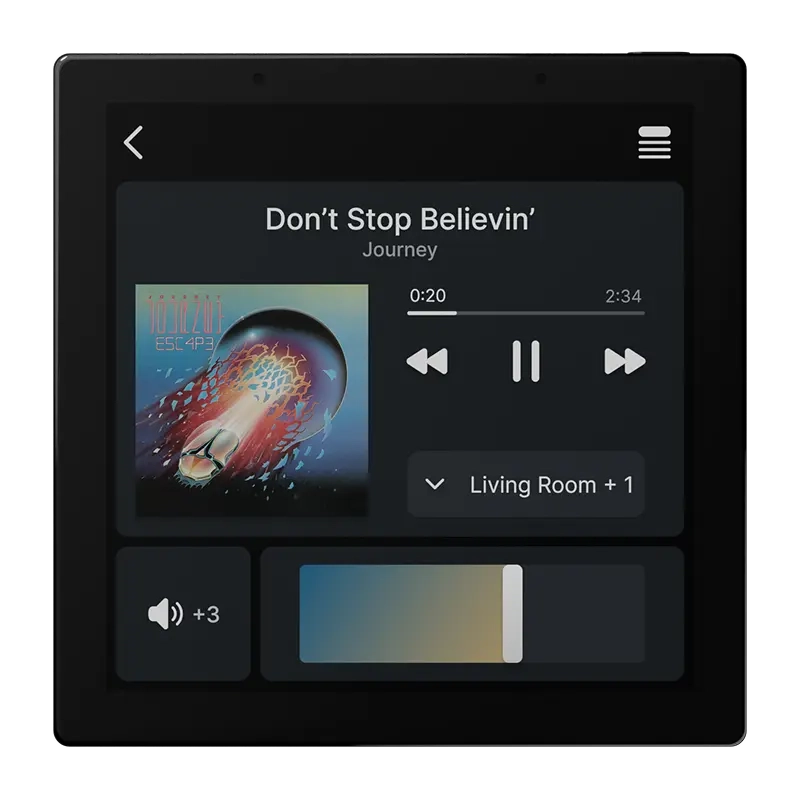
Morning Vibes, Dinner Essentials, Party Bangers. Getting into your groove has never been this easy.
Use the built-in SIP intercom to communicate instantly between 1Home Touch panels. Whether you're calling the kids for dinner or checking in with another room, communication is just one tap away.
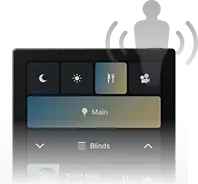
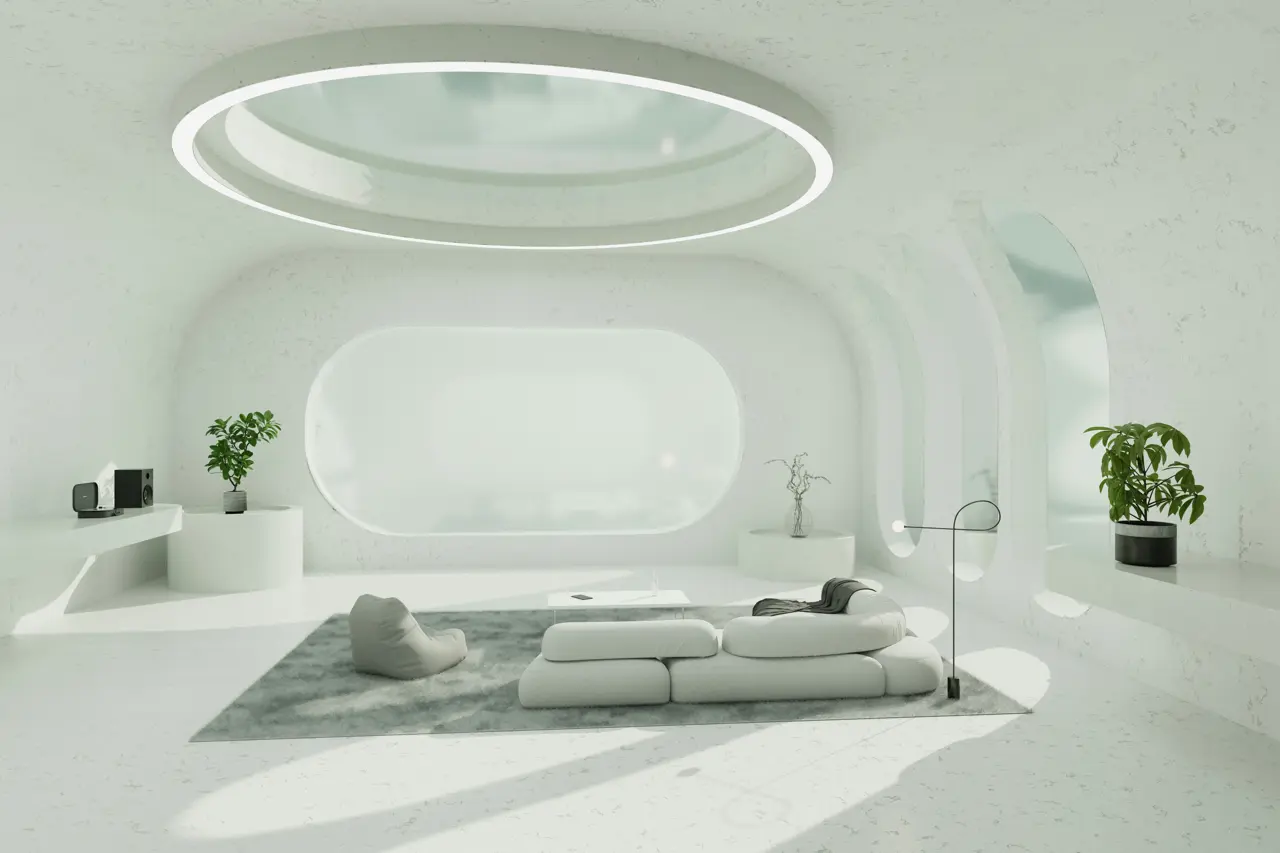
The integrated proximity sensor lets you trigger actions with a wave of your hand. Switch an entire room on or off or activate any other scene you'd like – without touching the screen.
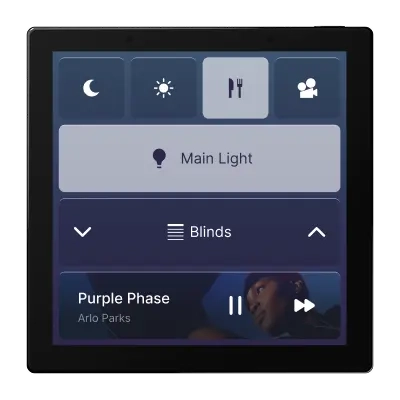
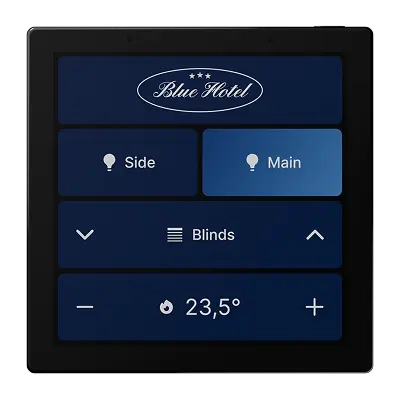
1Home Touch adapts to your environment and architectural taste with distinctive design language themes.
Proximity sensor
Looks good only when you need it to
1Home Touch wakes its screen when it senses you nearby. The rest of the time it's completely off or shows a customizable screen saver.
Customizable colors
Make 1Home Touch perfectly blend with your home. Use our colour presets or create your own.
1Home Touch connects to the 1Home Server - gaining all the power and features of our flagship. Accessible through a beautiful interface.
Auto-Layout Builder
Our Auto-Layout Builder takes your existing device setup from the 1Home Dashboard and automatically assembles control screens optimized for your room - so you can skip the busywork in ETS - and only focus on tailoring the details.
Auto-generate a starting point for your room
Scenes mode
When you prefer controlling your room with scenes (e.g. Night, Dinner, Morning) instead of individual controls.
Devices mode
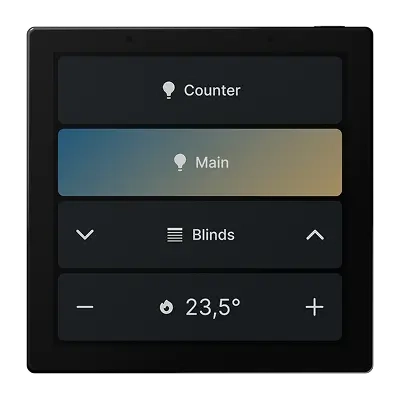
When you want to only use individual device and device groups controls.
Hybrid mode
Let us suggest the most common scenes for your room based on your devices, then provide device groups or individual device controls when appropriate.
Start From Scratch
Start with a blank canvas and create your layout from scratch.
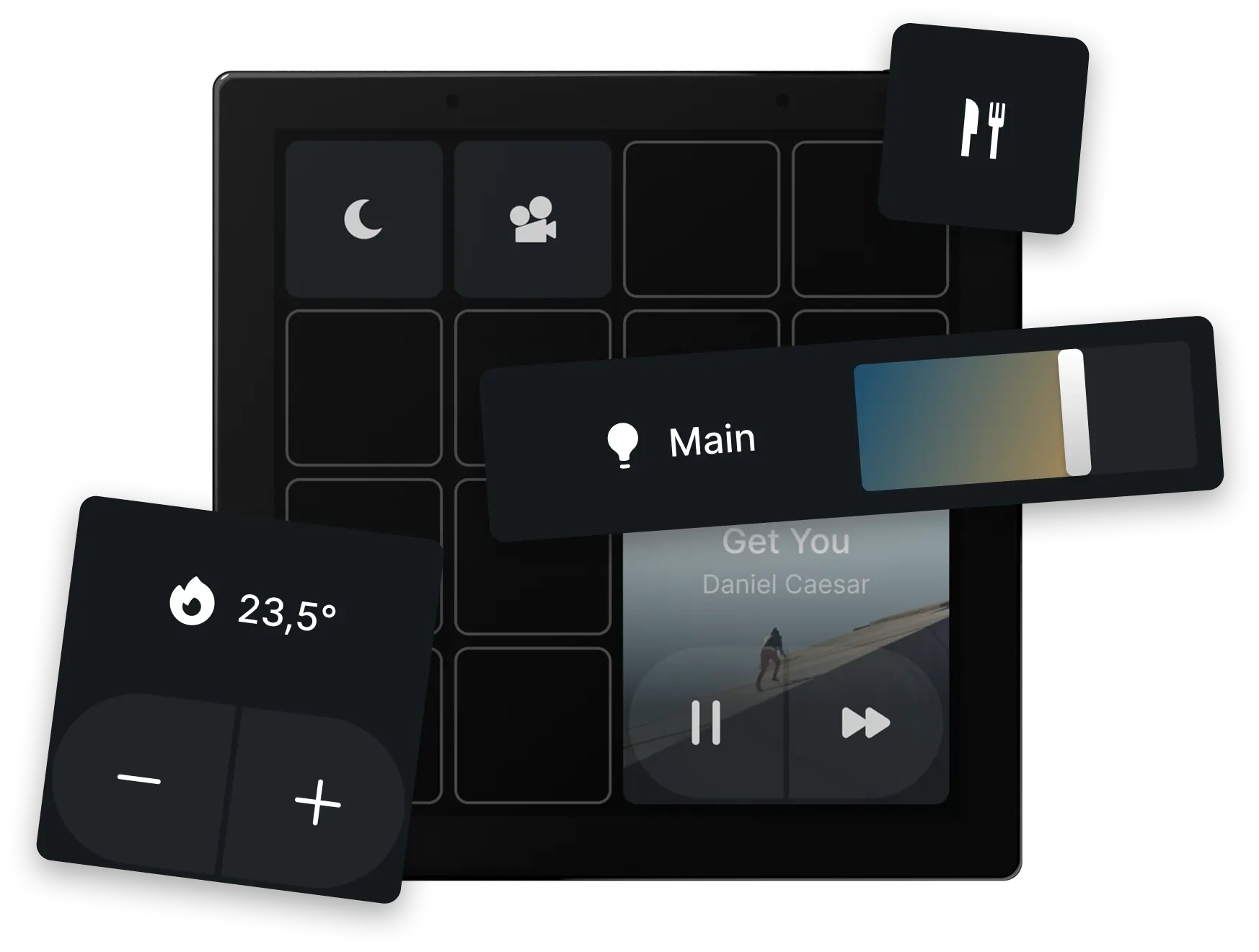
Turn 1Home Touch into the perfect control surface. Resize device tiles, modify layouts, change the highlight colours, or switch the whole design theme. It's simple and intuitive with our drag-and-drop editor. Accessible within your 1Home Server dashboard.
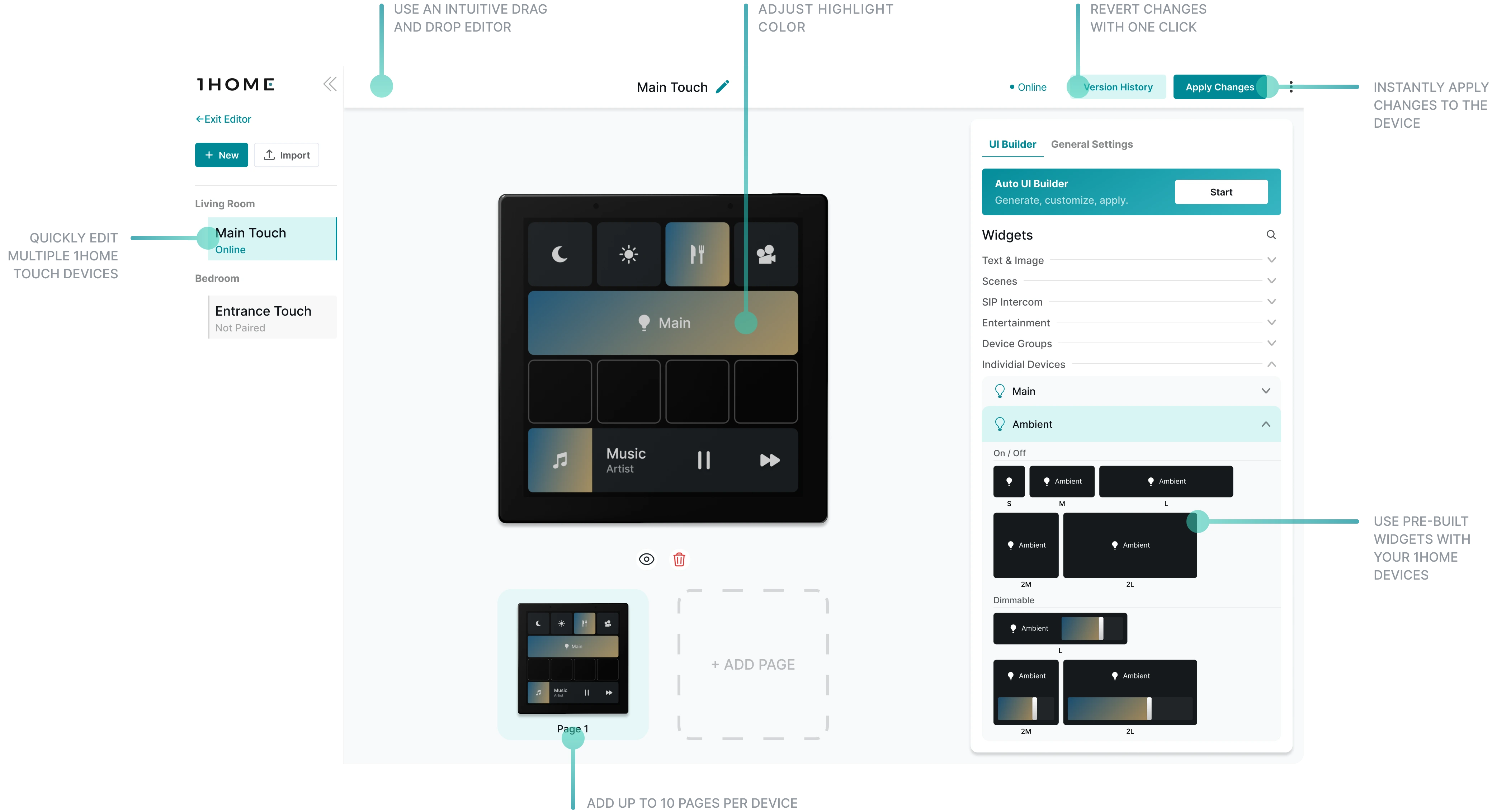
Discover how easy it is to personalize 1Home Touch. Our Chief Product Officer walks you through the drag-and-drop configurator and shows how to tailor the interface to perfectly match your home, workflow and personal style.
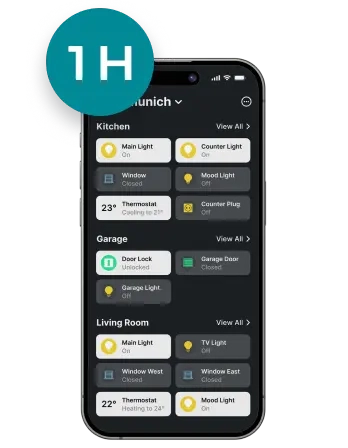
Keep a familiar style and controls across 1Home Touch and 1Home Mobile App.
Power via PoE or KNX auxiliary
Connection via ethernet or wifi works on local network
Fits various wall boxes (EU, UK, Asia, UAE)
Important
1Home Touch works as an extension to the following devices:
1Home Server KNX Pro
1Home Server KNX
1Home Server KNX Bridge
1Home Server Crestron
1Home Voice & Visu
Important
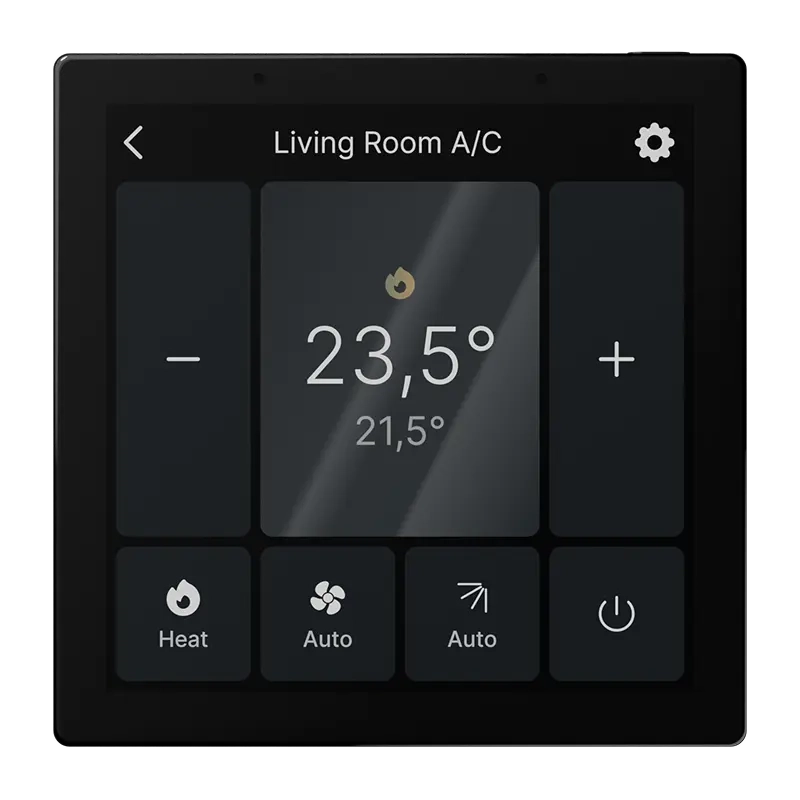
Do you want to replace an existing KNX heating thermostat with 1Home Touch? Or are you building a new house with 1Home Touch as a default heating control?
Make sure your heating system is compatible with 1Home Touch ->
Technical Information
Product Name
1Home Touch
Dimensions
86mm x 86mm x 35mm
Highlights
4" touch screen
480p HD resolution
Proximity sensor
Built-in speaker and microphone
WiFi + Ethernet connection
PoE or KNX AUX power
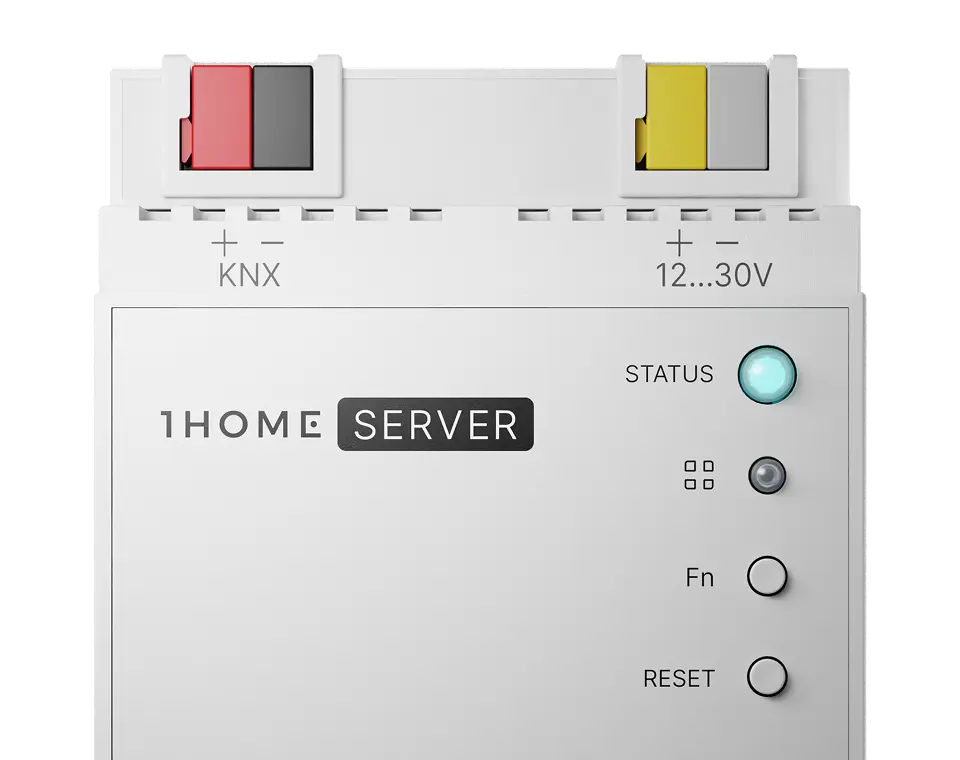
1Home KNX Pro
Everything you need for a professional and modern KNX experience. For homes of all shapes and sizes.
Buy nowIntegrators have an overview of projects in one place and can manage them remotely so smart homeowners receive instant support.
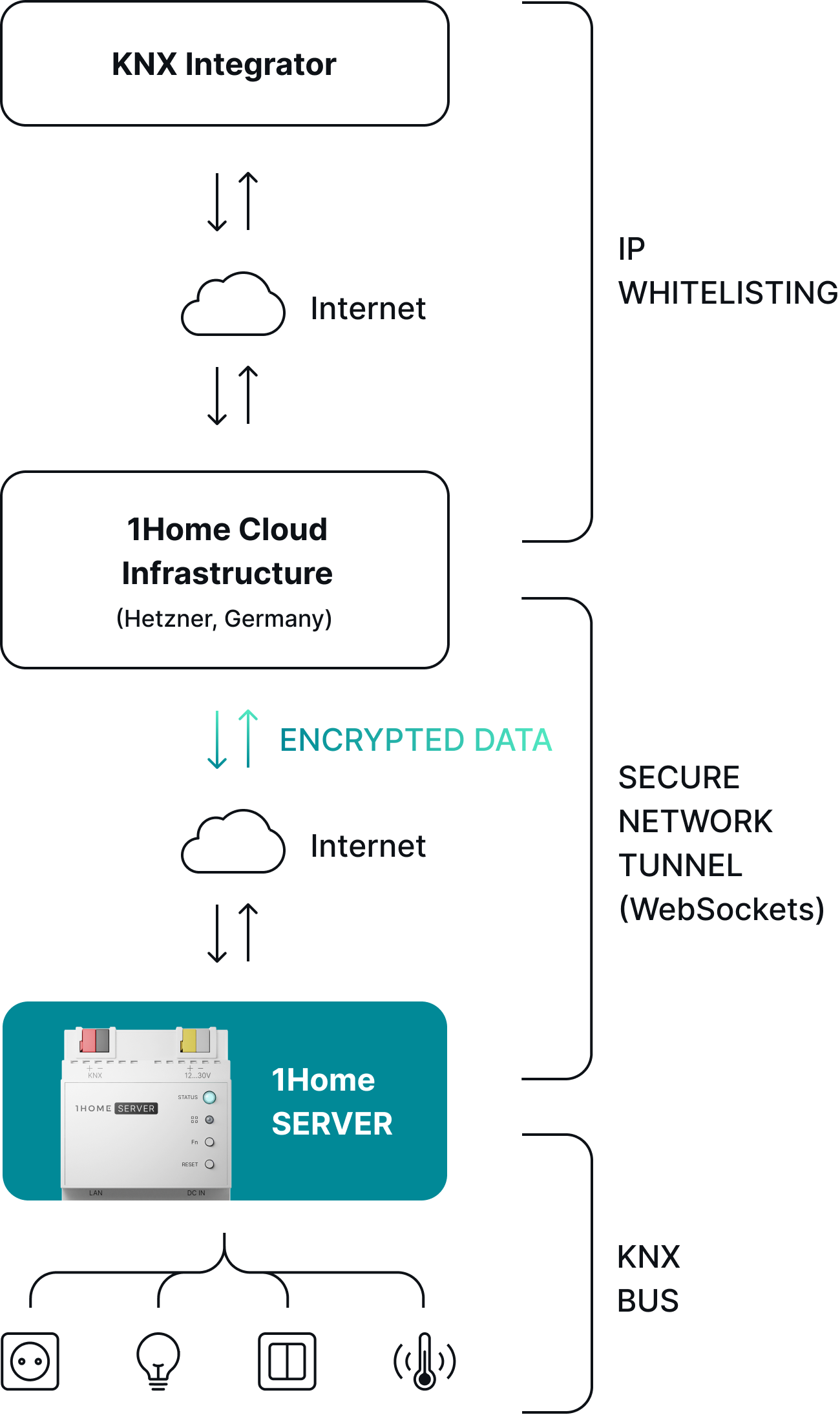
Connect without a VPN
Secure and quick connect enabled by IP whitelisting.
Connect securely with a tunnel connection
Secure network tunnel established by websockets.
Auto-Disconnect for a peace of mind
Set the time span after which the tunnel automatically turns off.
Faster response
Cut waiting times for receiving integrator support.
Next-level security with Server-only access
Limit access to the Server only, not the whole network (like with a VPN).
Your home, your control
Open/close access to your home under your own terms.
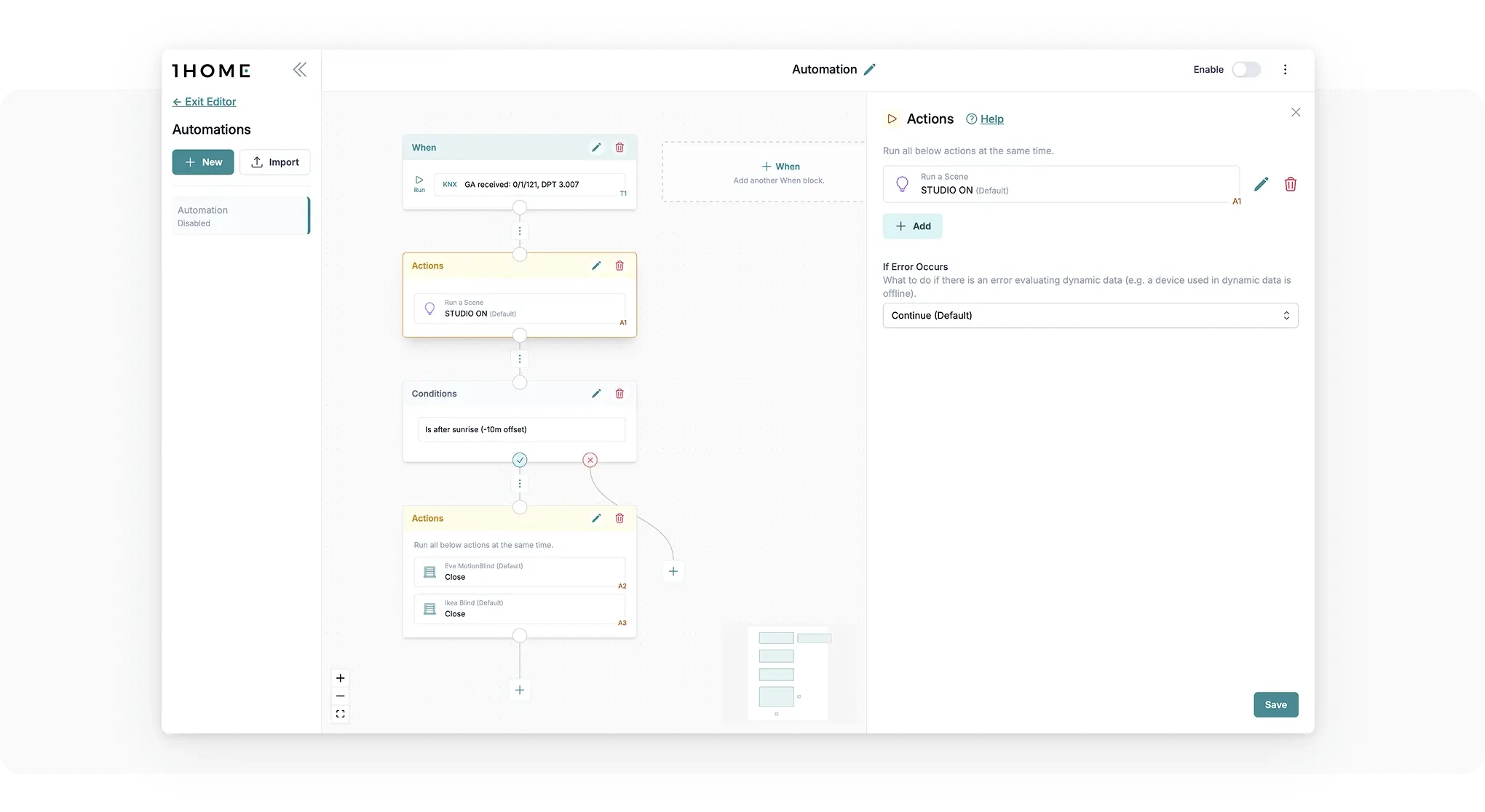
Get the most out of the smart home by setting up complex automation in a simple way. All running locally.
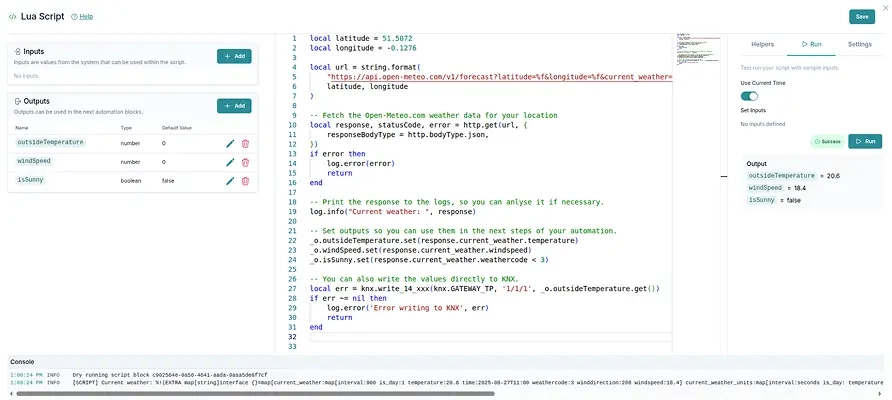
Now with LUA scripting
Triggers
Set rules for when certain automation should start.
Conditions
Make sure the conditions are met.
Actions
Configure desired action on any device.
Delays
Wait certain amount of time between conditions or actions.
Repeat
Do anything multiple times.
Notifications
Send different kinds of notifications to integrator or customer.
Calculate & Transform
Calculate or create new values based on system data.
Go in depth on 1Home Automations with our CTO Gregor.
Integrate 100s of IoT Matter devices as if they were a part of the KNX installation. Easily create automations with a mixture of KNX and Matter devices and provide retrofit solutions - all while maintaining great control over the system in one dashboard.
Configuration without the customer's phone
Integrator can configure Matter devices without requiring homeowners smartphone.
Options for every budget
For customers on a budget, choose cheaper Matter alternatives to KNX devices.
Solution for renovations
Don't loose projects if KNX is not an option. Provide a professional solution with Matter wireless devices or create a mix of both.
KNX & Matter as one
Use Matter devices with KNX in automation as if they are a part of the same system.
Achieve more with Matter
Setup more complex Matter automations not possible in smart assistant mobile apps.
Support for homeowners for Matter
Integrators can offer remote and secure support for Matter devices, not only KNX.
Explore all Matter-supported devices
No internet connection required
1Home Server works locally and if you remove it from the internet it won't even notice. Both KNX and Matter also don't require an internet connection so your home will always continue to work without interruptions (with the exception of voice control which does require internet).
Privacy focused engineering
Your home, your data. We respect your privacy and don't send any data to our servers except for critical system issues that might occur and basic system information needed for updating the software and remote access.
Checkout the latest update from our CTO as to how setup flow, ETS auto-detection and ETS project validation will be improved on the new 1Home Server device.
We do the tedious tasks, you focus on the important.
We have put 6-years into developing a state of the art AI algorithm that automatically syncs your KNX configuration with 1Home, based on an existing ETS project file. Goodbye time-consuming and stressful double-work of copying KNX addresses.
Intuitive control in a single dashboard.
Manage all your devices, automation and connected apps within one simple to use dashboard.
Highly responsive support team - here for you.
Get expert help fast. System integrators can get access to our dedicated support channel with an even higher priority support.
Automatic project verification.
Automatically detects any setup mistakes and incorrectly configured group addresses and alerts you during the project set up. Saving your time on each project and making the customer happy - cool huh?
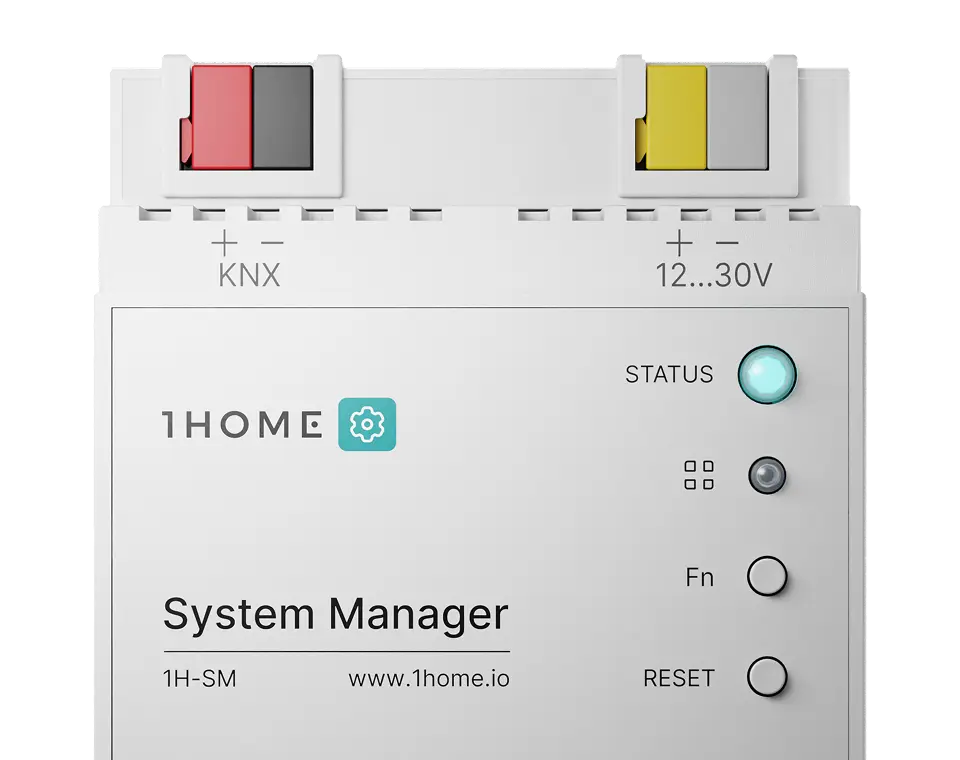
1Home System Manager
A purpose-built device for system integrators, with all the tools to simplify setup and maintenance of KNX projects.
Buy nowA purpose-built device for system integrators, with all the necessary tools to simplify the setup and maintenance of KNX projects.
KNX IP Interface
With up to 4 tunnels with KNXnet/IP Tunnelling support and on-demand enabling/ disabling and whitelisting.
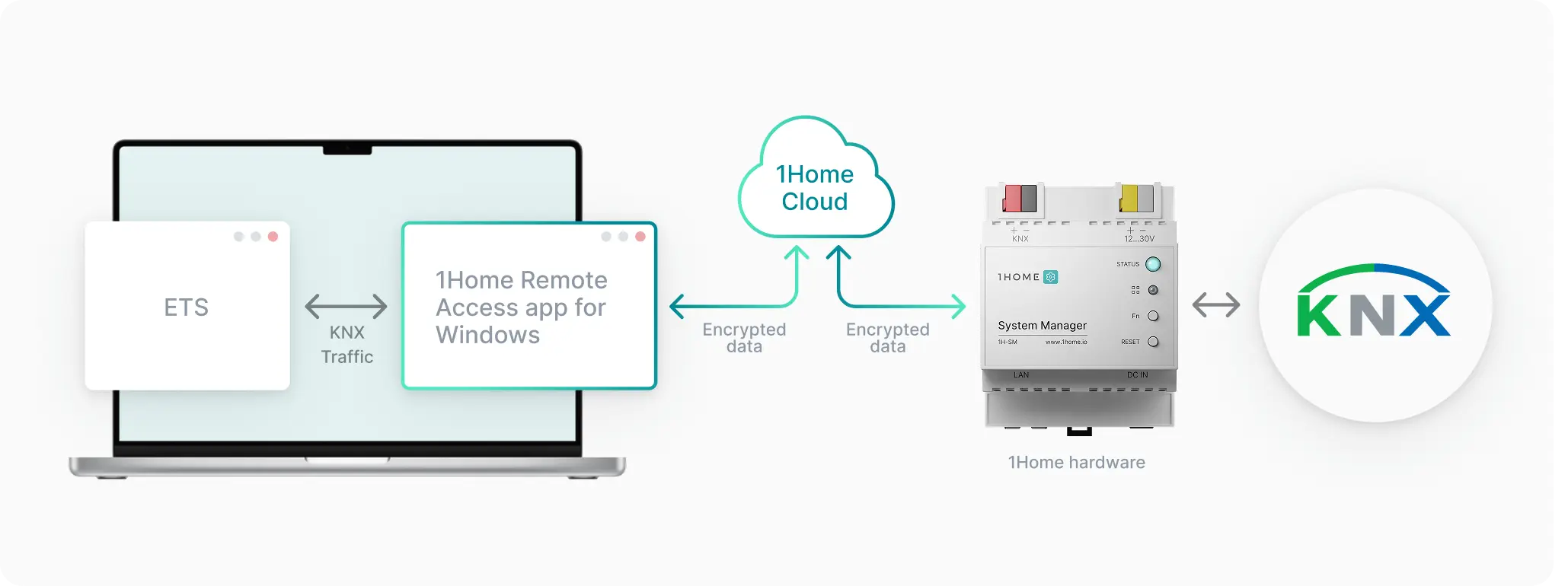
Remote ETS Programming
Secure remote ETS connection now optimized with Windows app to increase stability and security.
Advanced Logic Module
Sunrise, Sunset, time based, conditions, AND/OR, writing reading from KNX, ...
LUA Scripting
Handle any customer request with confidence.
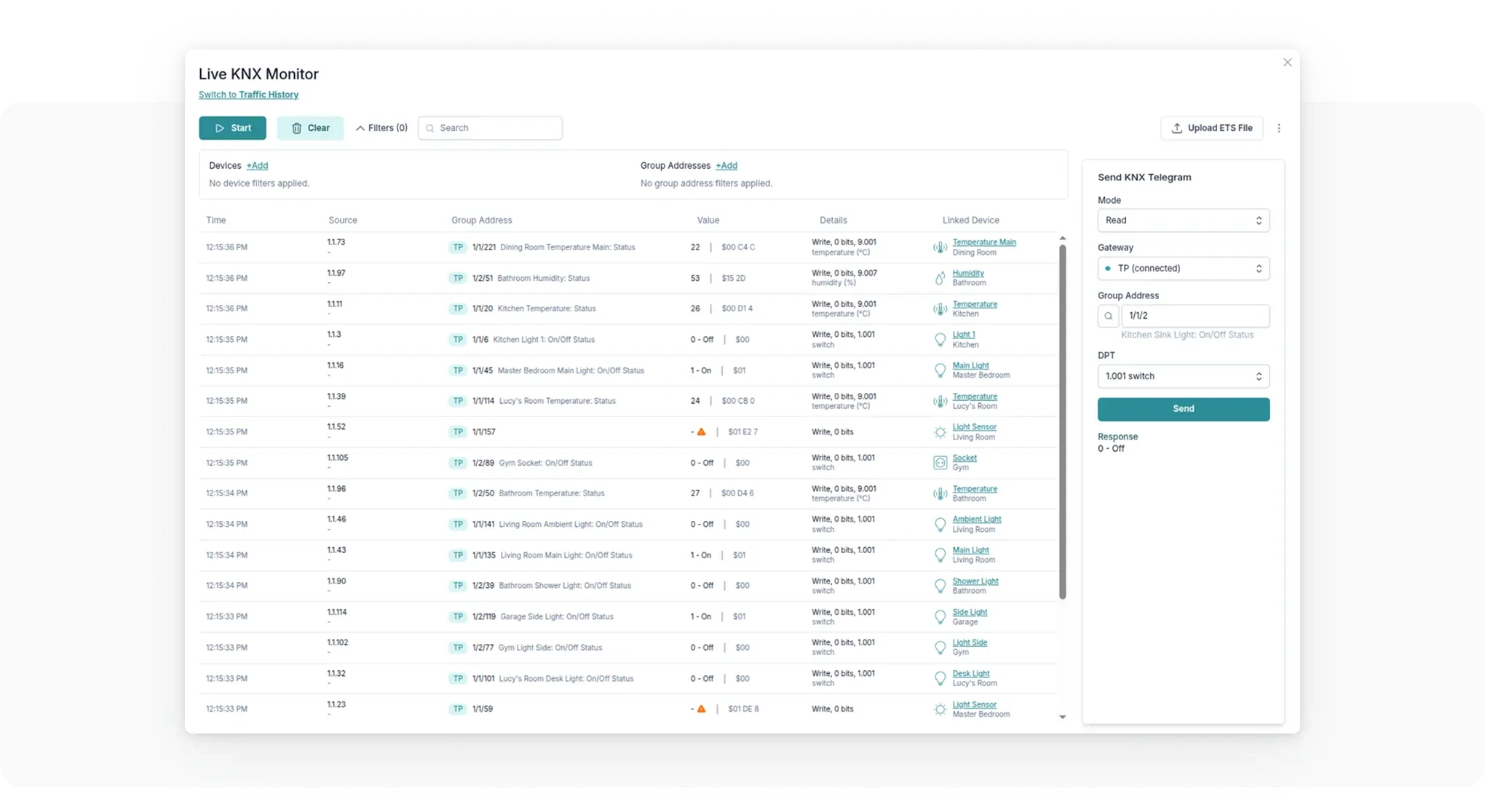
KNX Group Monitor
Live check all KNX group traffic on the bus. No need to jump to ETS to quickly check something.
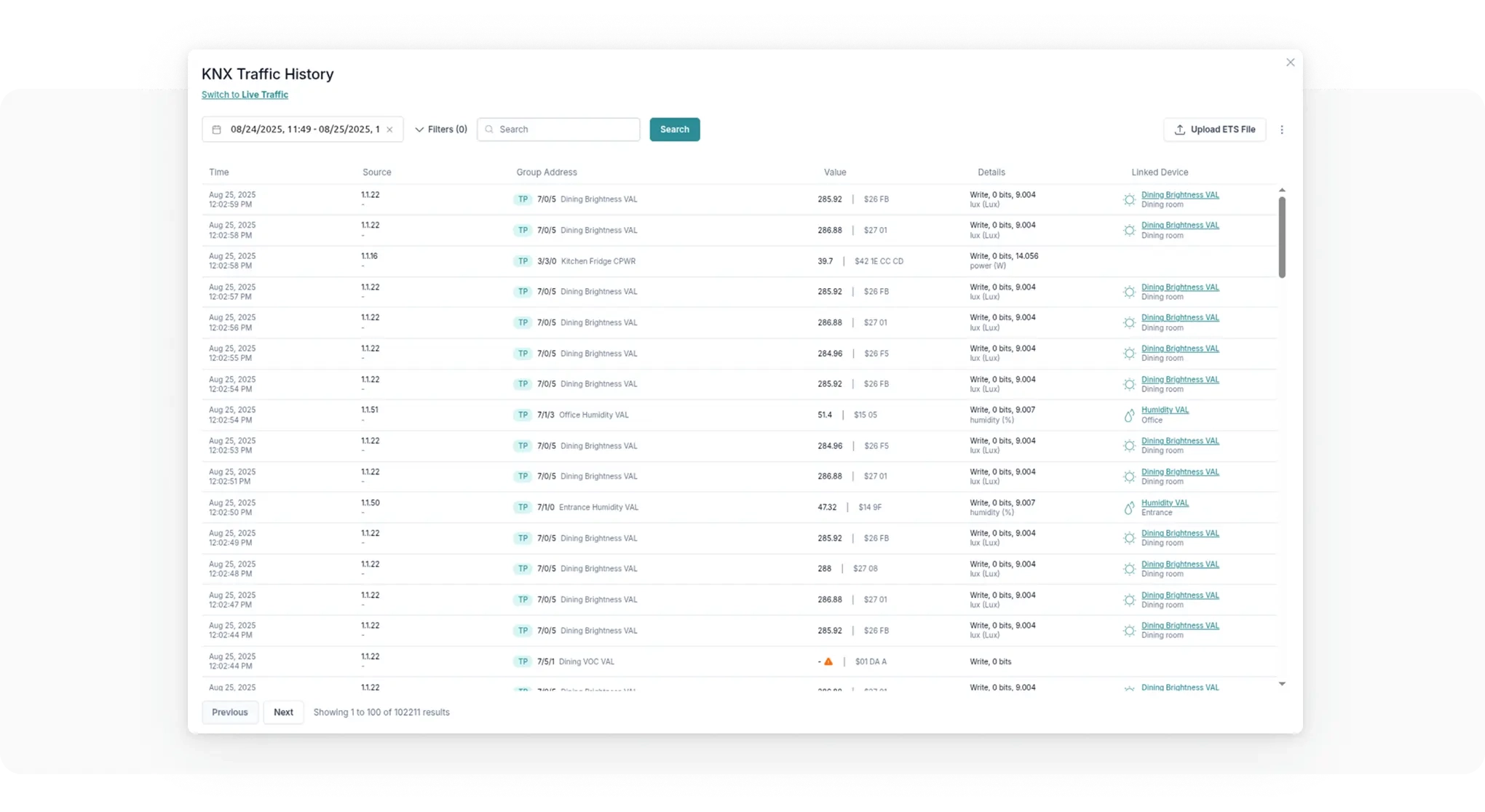
KNX Group Monitor History
Check history for all KNX group traffic on the bus to easily debug any issue.
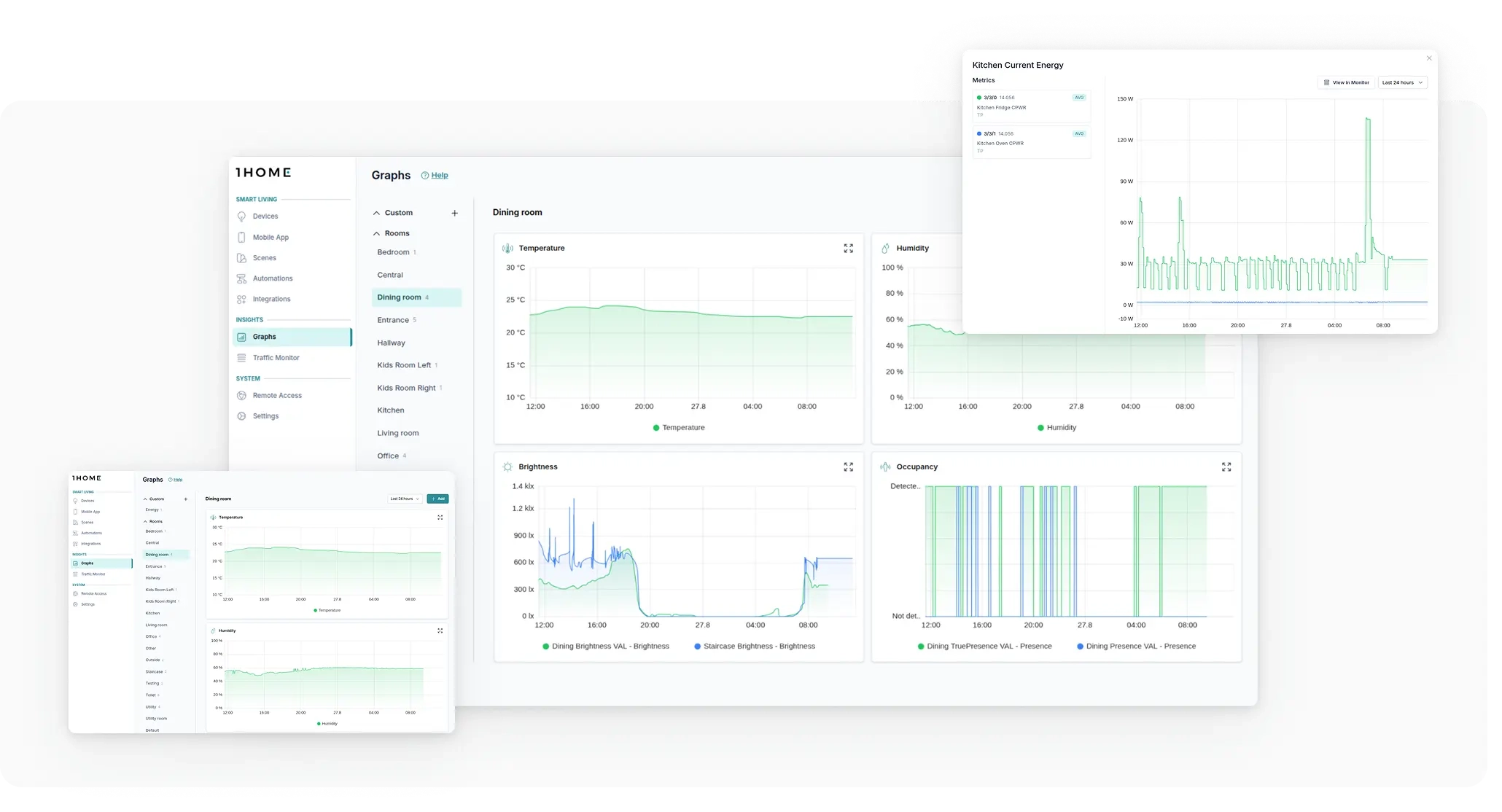
Graphs
Instantly confirms stable temperature and humidity levels - no more guesswork or worry.
KNX Time Server
Sync time across your KNX system and set up timers or schedules.
System Monitor
See what happens in the system. For example 'Which automations were running yesterday at 5pm?'
"Within a minute I can establish secure connection to the clients smart home and program ETS remotely without wasting time on setting up VPN. Even the process is more secure."
"I can now quickly check all KNX traffic and run quick diagnostics - no need to jump into ETS just for this. I can see the traffic live."
"A client says, 'I didn't touch the heating!' I just check the log: 'Let's see what happened yesterday at 5pm.' Turns out, it was triggered by an automation they asked for. Problem solved."
"I can always know when temperature and humidity are within expected range - it's one less thing to worry about."
"Setting up timers, schedulers and even more complex usecases like presence simulation is really simple in the 1Home dashboard."
Now with LUA scripting
"Now I can say 'Yes' to almost any bespoke customer request."
Automatic System Health Checks
See if all KNX devices are working as expected and how much traffic they use. Especially useful for large projects where traffic overload can happen.
Advanced email alerting
Get automatically notified if something goes wrong performing health checks so you can react even before the customers call you.
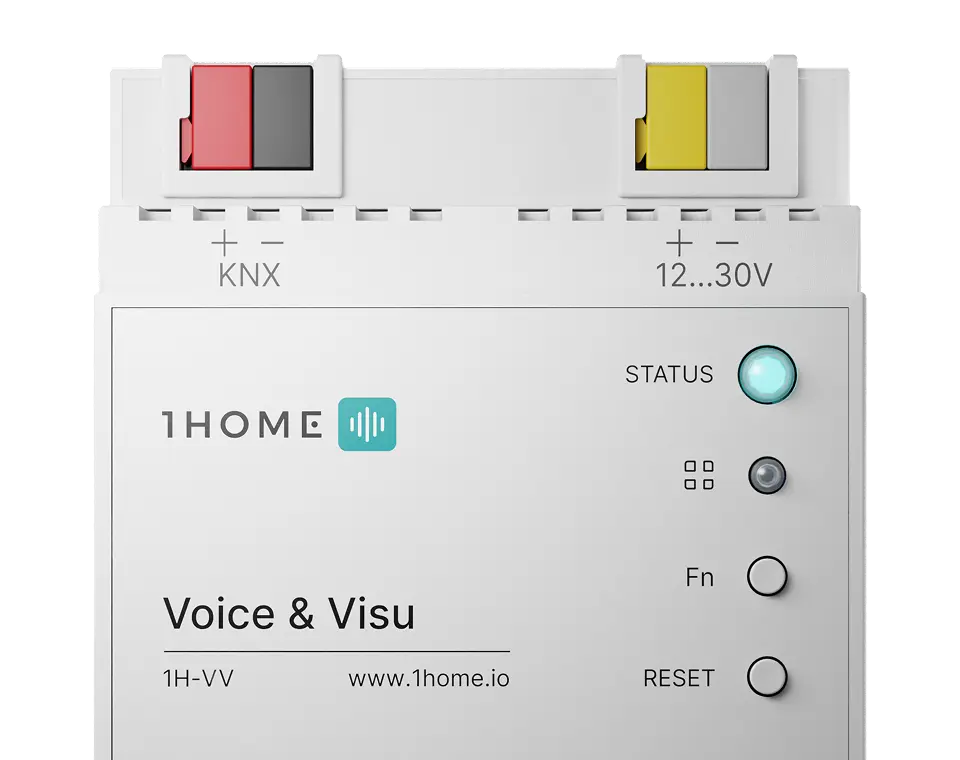
1Home Voice & Visu
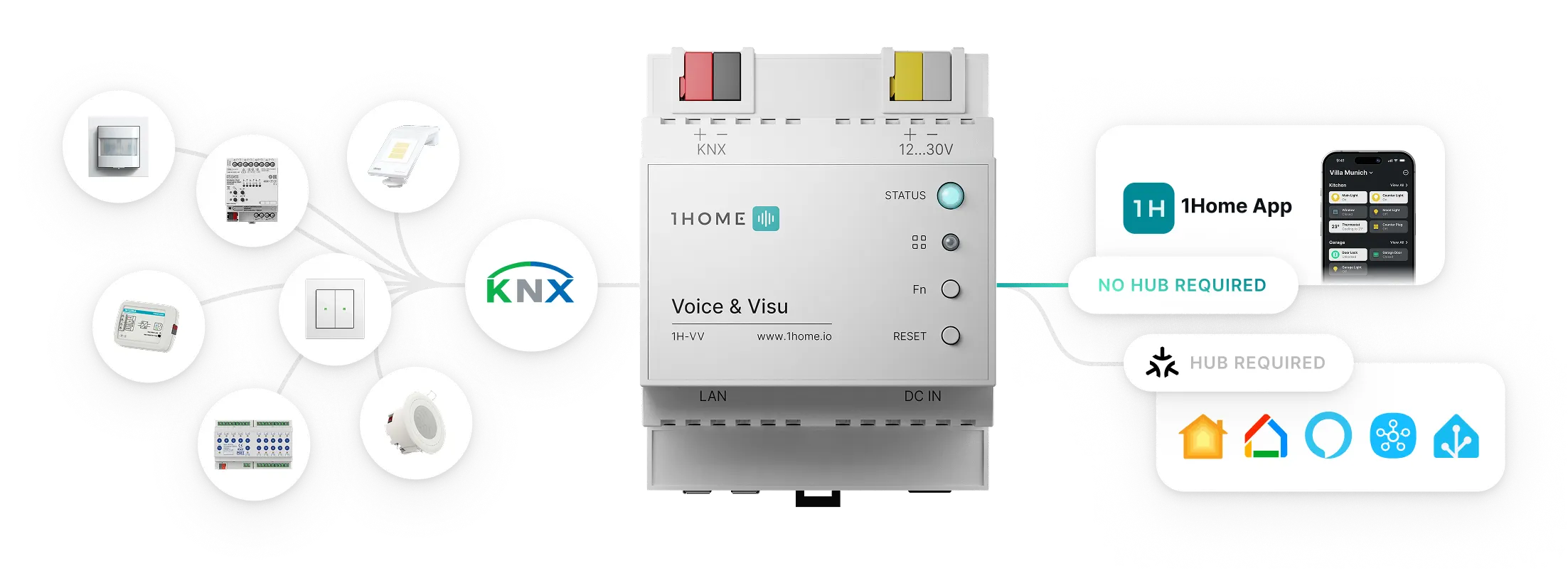
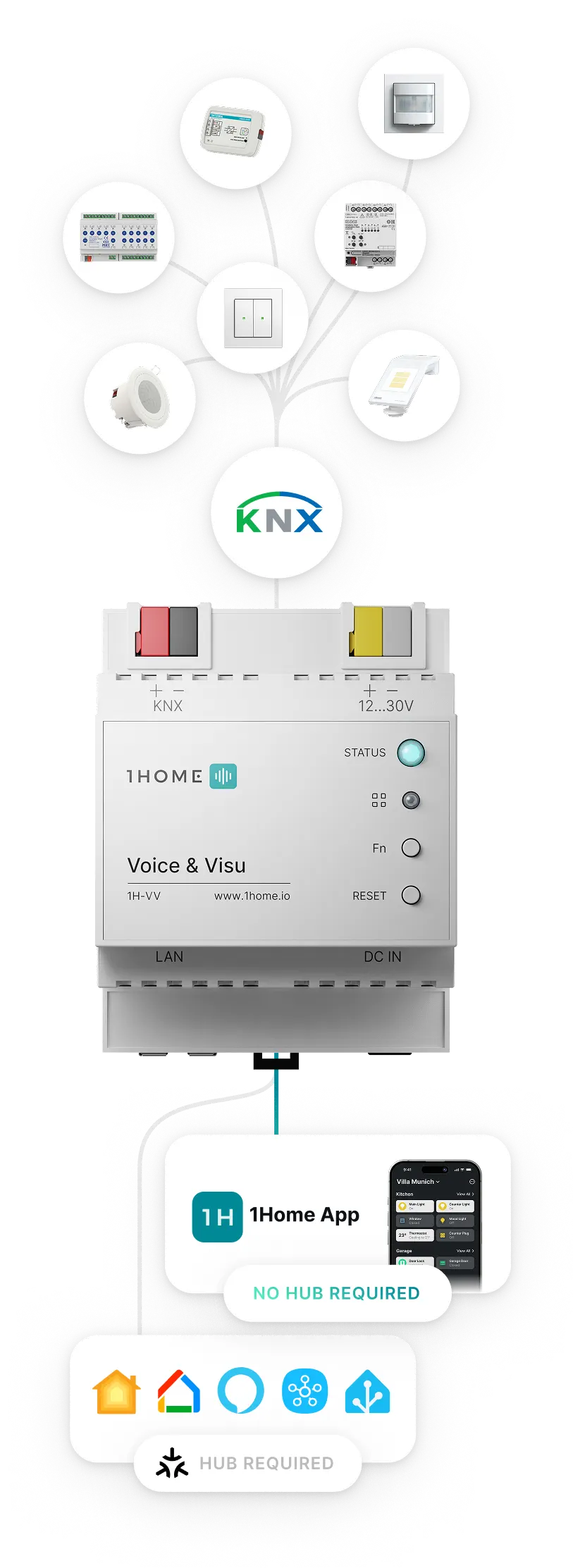
The simplest, most powerful way to control KNX with Matter-enabled mobile apps and voice assistants.
Buy nowNo hub required
Customize the control of your home. Manage your KNX devices and track data from your KNX system. Create and edit powerful 1Home Scenes.
Learn more
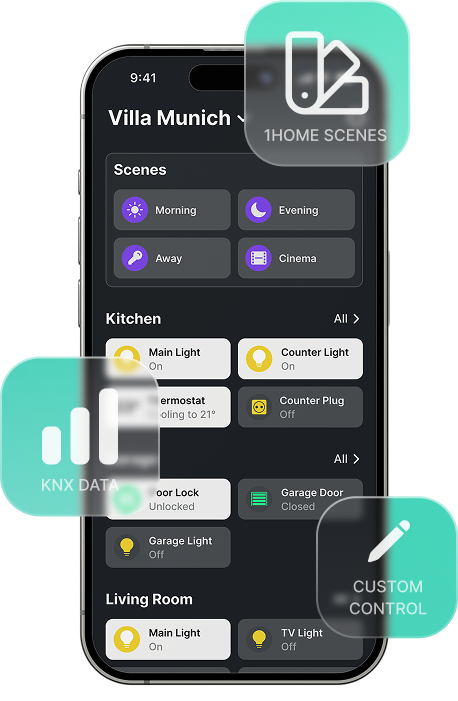
Checkout the latest update from our CTO as to how setup flow, ETS auto-detection and ETS project validation will be improved on the new Voice & Visu device.

We do the tedious tasks, you focus on the important.
We have put 6-years into developing a state of the art AI algorithm that automatically syncs your KNX configuration with 1Home, based on an existing ETS project file. Goodbye time-consuming and stressful double-work of copying KNX addresses.
Intuitive control in a single dashboard.
Manage all your devices, automation and connected apps within one simple to use dashboard.
Highly responsive support team - here for you.
Get expert help fast. System integrators can get access to our dedicated support channel with an even higher priority support.
Automatic project verification.
Automatically detects any setup mistakes and incorrectly configured group addresses and alerts you during the project set up. Saving your time on each project and making the customer happy - cool huh?
No internet connection required
1Home Voice & Visu works locally and if you remove it from the internet it won't even notice. Both KNX and Matter also don't require an internet connection so your home will always continue to work without interruptions (with the exception of voice control which does require internet).
Privacy focused engineering
Your home, your data. We respect your privacy and don't send any data to our servers except for critical system issues that might occur and basic system information needed for updating the software and remote access.
For KNX
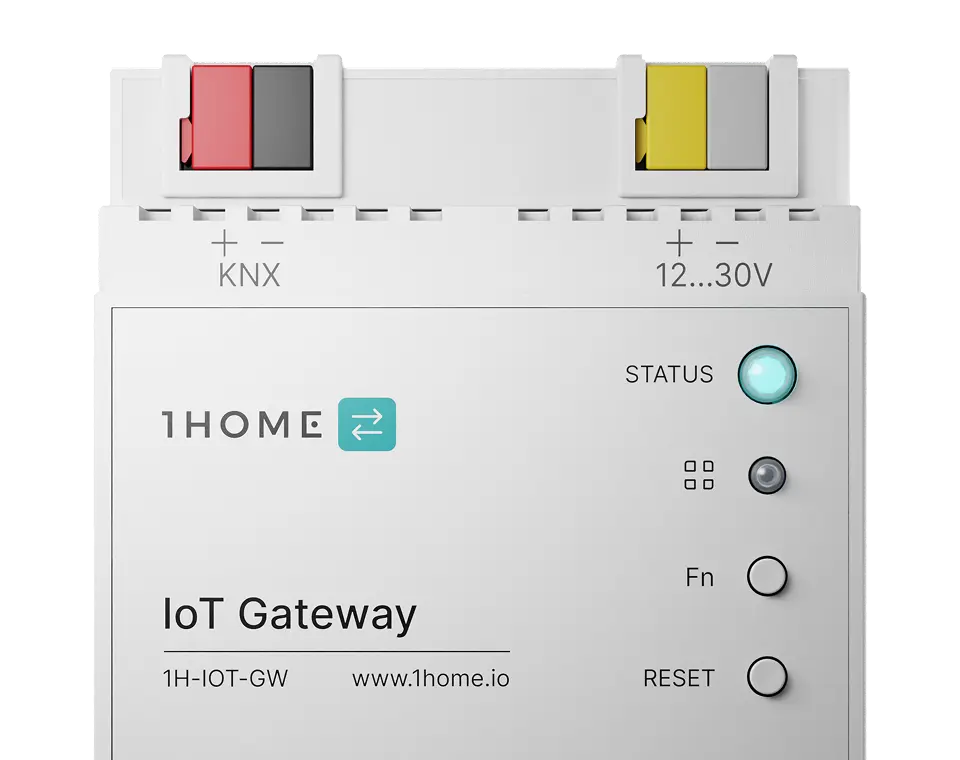
1Home IoT Gateway
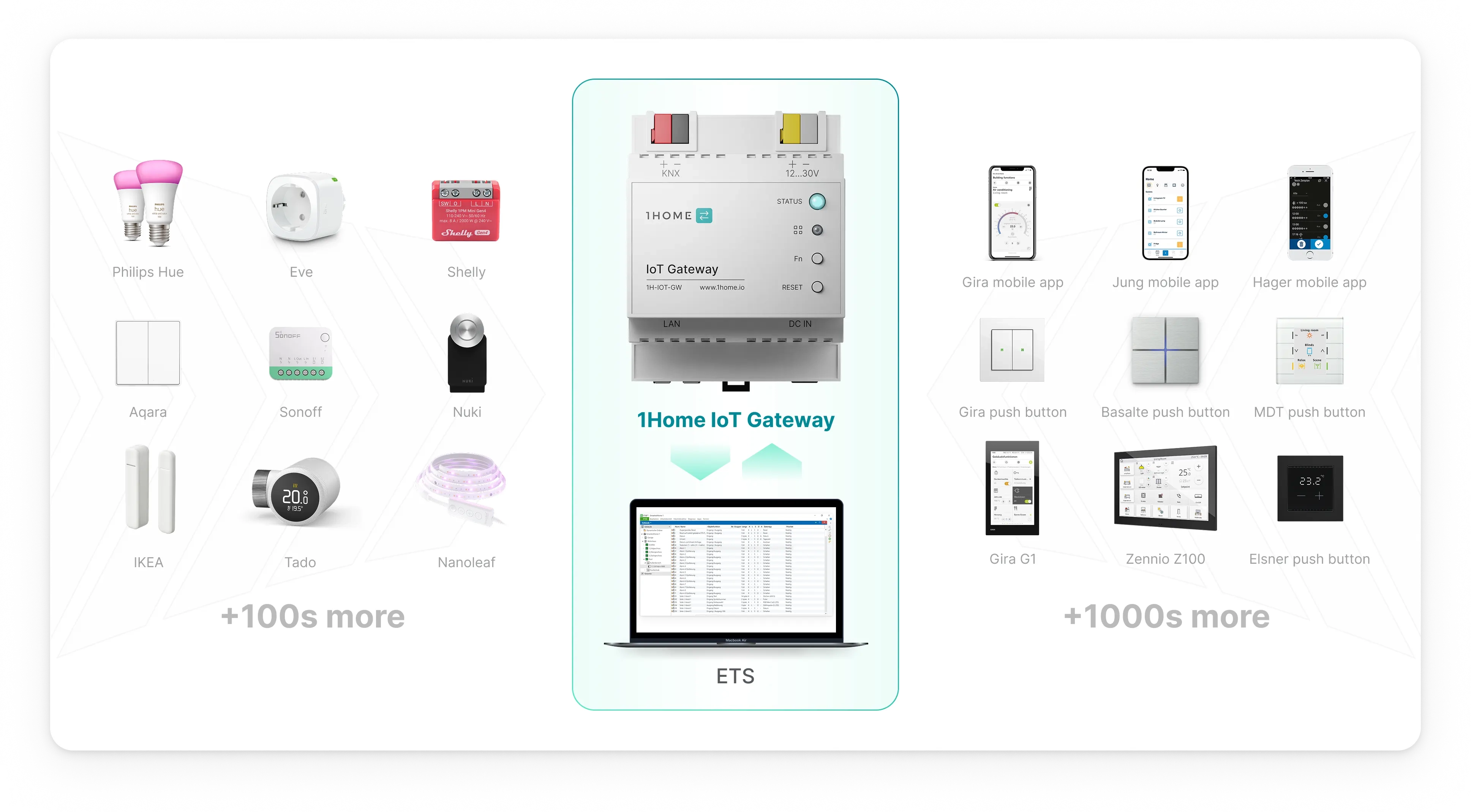
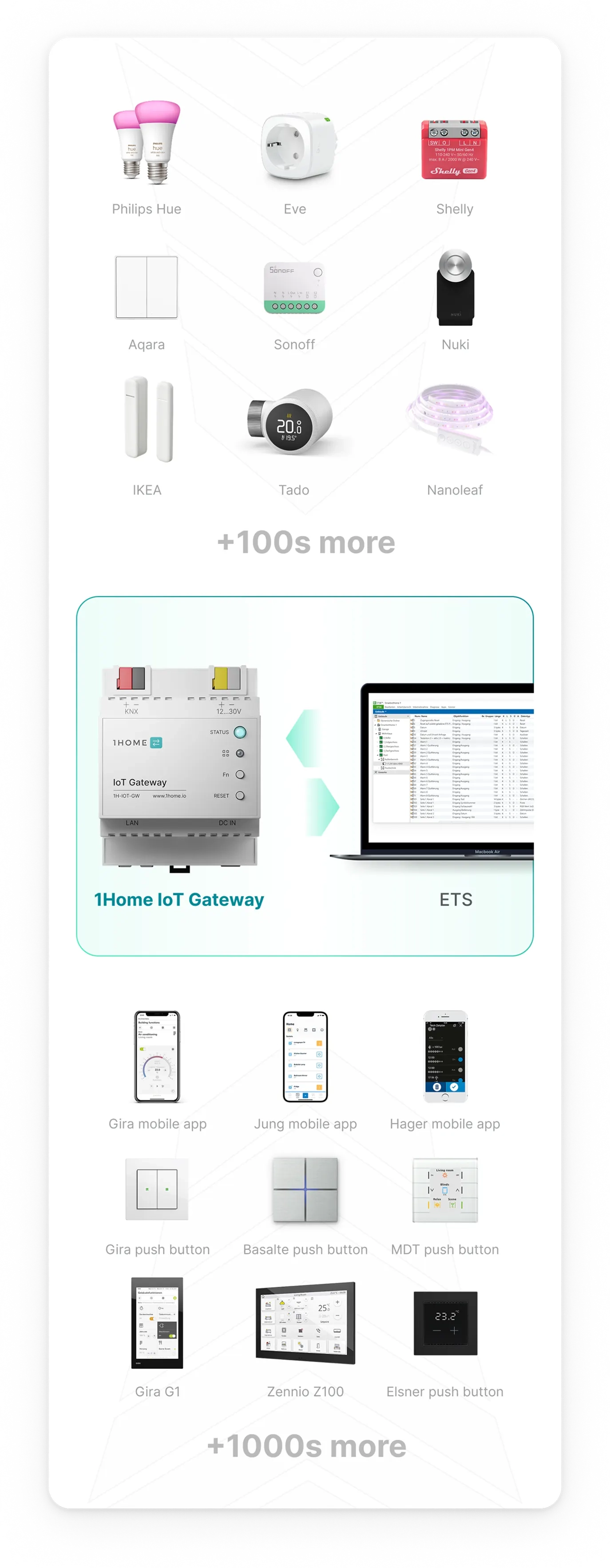
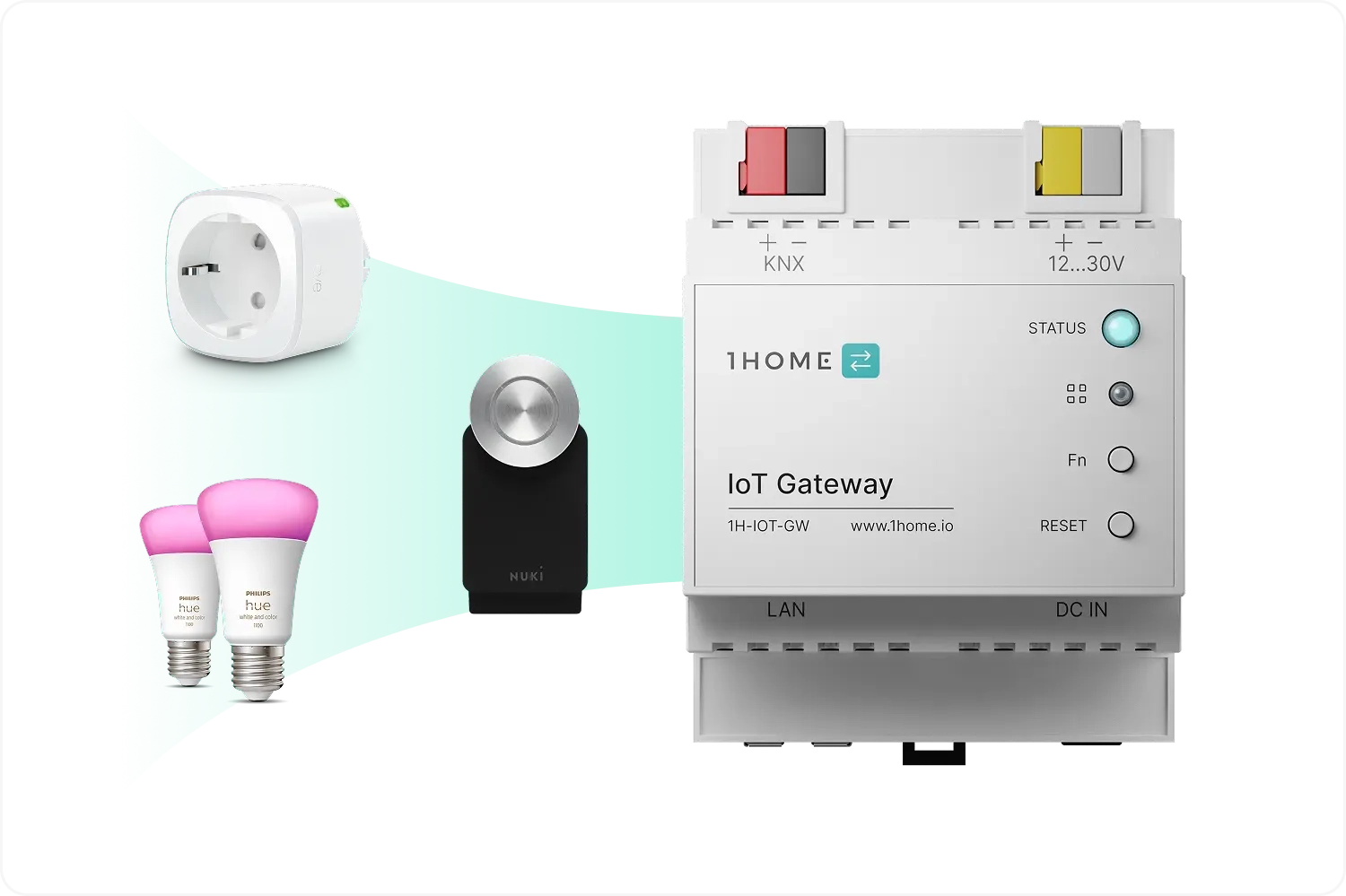
Assign KNX addresses to IoT devices, configure them in ETS, and use them like you would any other KNX device.
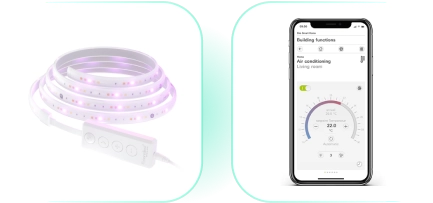
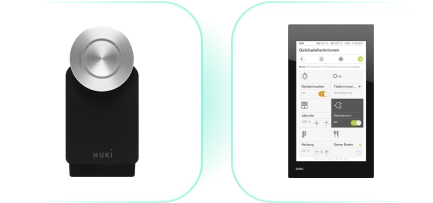
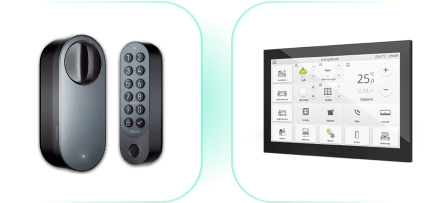
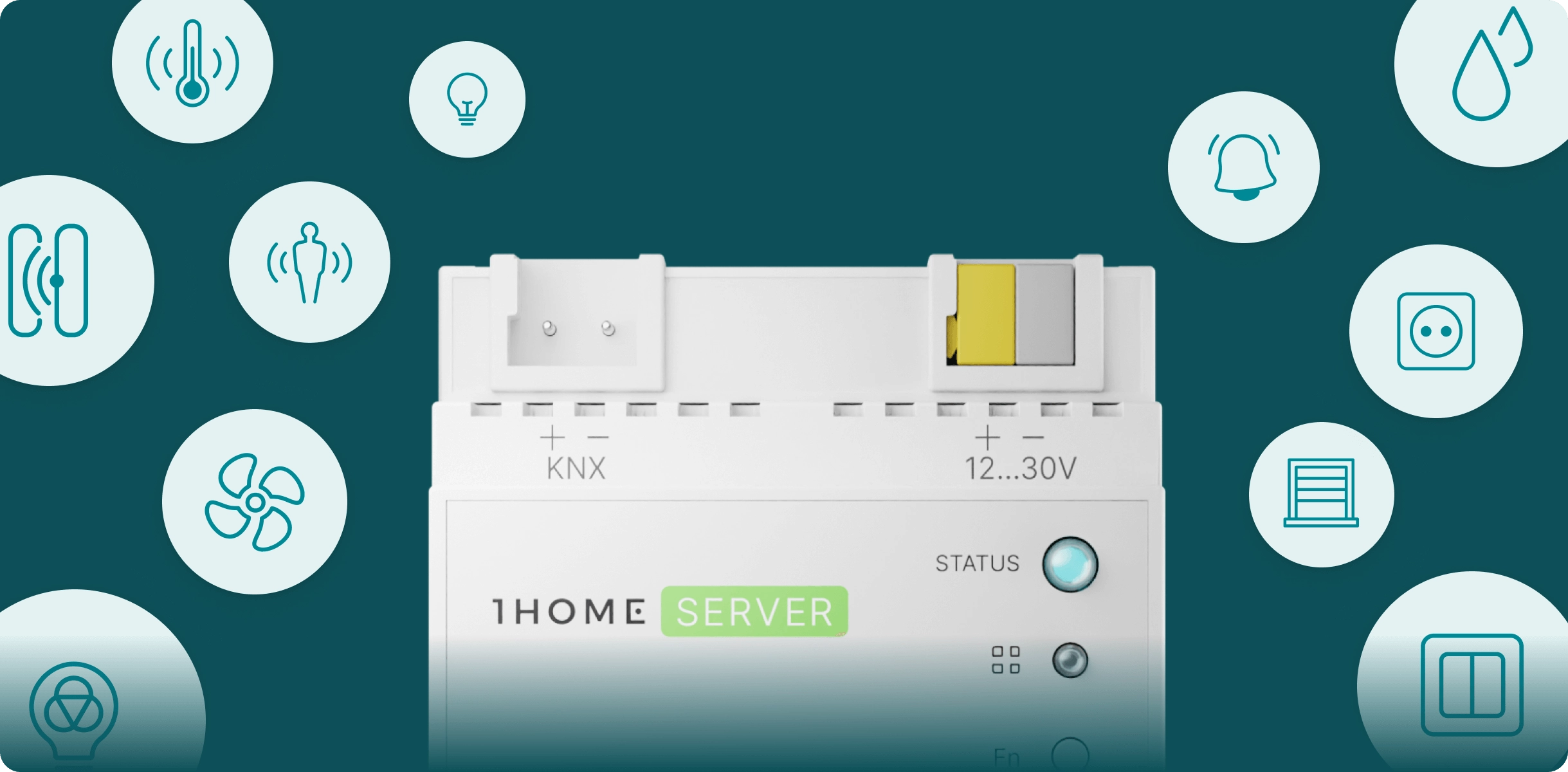
Buy nowControl devices like Philips Hue, IKEA, NUKI, Nanoleaf, Eltako, Shelly and 100s of others from any popular KNX mobile app, push button or tablet.
Simply scan the Matter QR setup code and get your Matter device into the 1Home Dashboard.
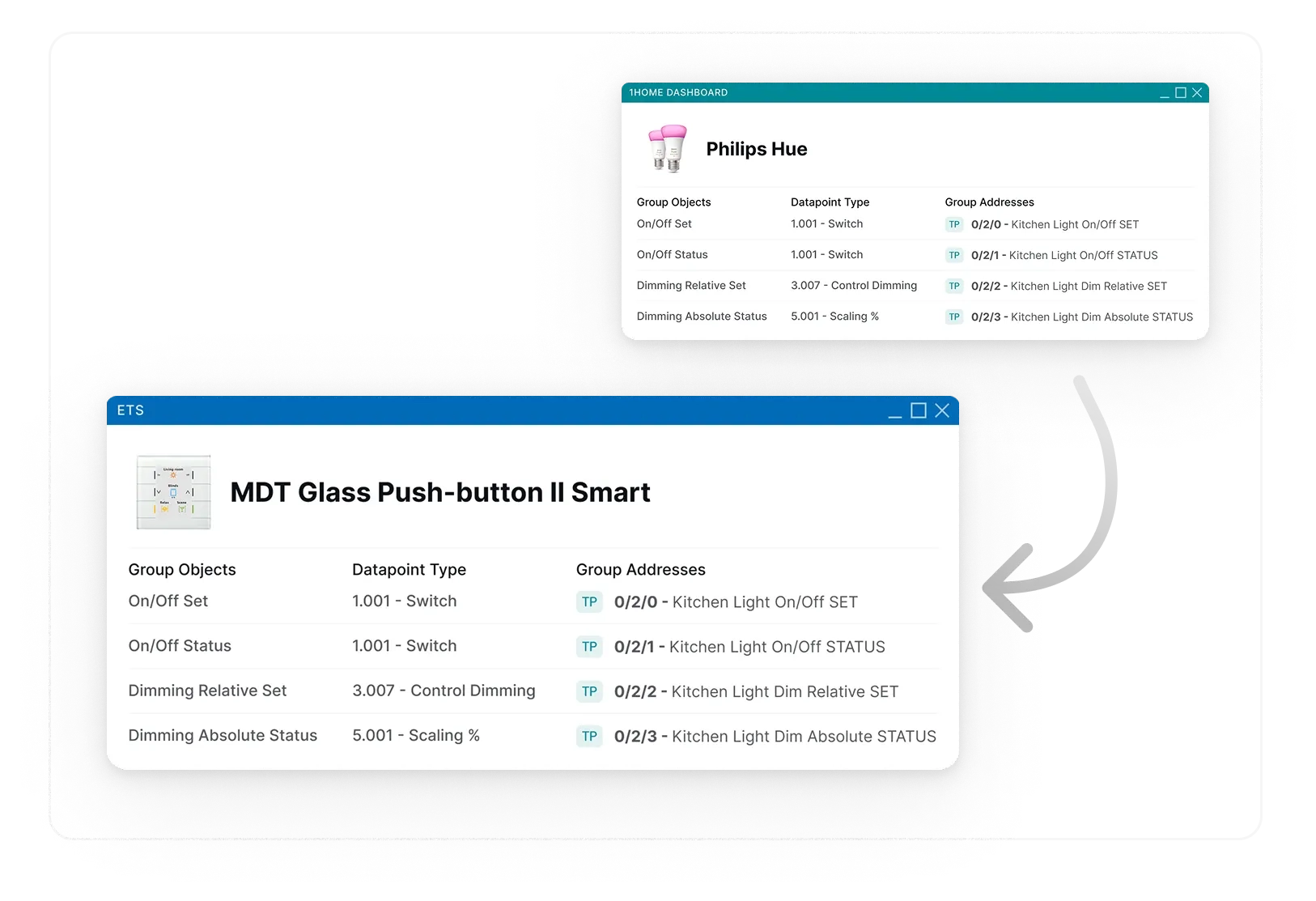
Use group addresses defined in ETS and link them to your Matter device in the 1Home Dashboard.
You can link your Matter device to any KNX push button, touch display, actuator or visualization server. No limitations!

Matter is a fast-growing open standard that ensures seamless compatibility between devices across ecosystems.
New devices are added monthly, offering continuous expansion. The system is fully local and data-private, ensuring secure, cloud-free communication. Popular Matter devices include Philips Hue smart lights, Eve Energy smart plugs, August smart locks, and Aqara Motion Sensors. With hundreds of devices available and more arriving regularly, Matter offers vast opportunities for integration into KNX systems.
Explore all supported devices
->
KNX is a reliable standard for home automation, and with the 1Home IoT gateway, you can now assign KNX addresses to Matter devices and configure them in ETS like native KNX devices.
This integration allows you to control Matter devices through popular KNX push buttons like MDT Glass Push-button II Smart, tablets like the Gira G1, and mobile apps such as the Gira Smart Home App or Jung Visu Pro. With Matter's expanding ecosystem, KNX integrators can seamlessly manage both KNX and Matter devices for a fully unified smart home experience.
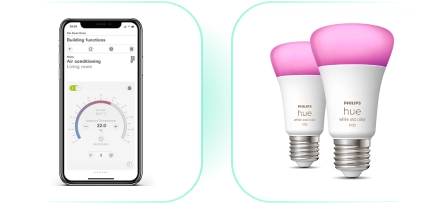
Control Philips Hue lights from Gira Smart Home app
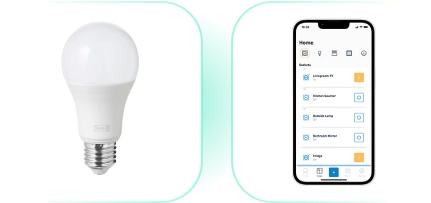
Control IKEA lights from JUNG mobile app
Control Nanoleaf lights from Gira Smart Home app
Control NUKI door lock from Gira G1 touch panel
Control Aquara door lock from Zennio touch panel
other combinations
For Loxone
1Home Touch highlights
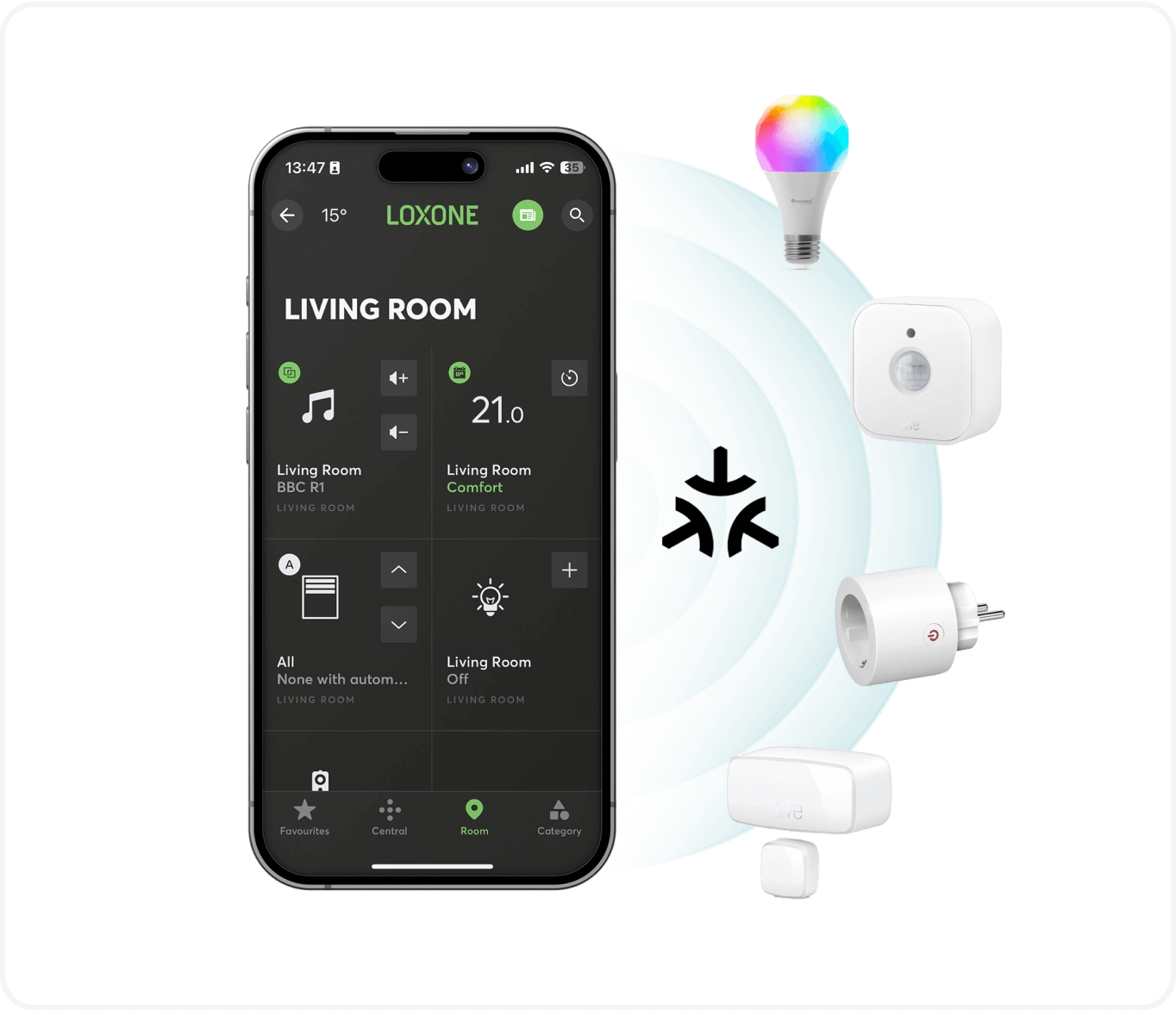
Loxone, Matter, or all of them combined. 1Home Touch gives you a new layer of control over devices in your 1Home ecosystem.
Dinner mode, Cinema time, Goodnight. Loxone and 1Home Scenes now live on 1Home Touch, ready for when the mood needs setting.
Use your SIP intercom from any room, and easily talk with your visitors thanks to the integrated microphone and speaker.
Privacy-first
Microphone is only active when you need it for the intercom. The rest of the time it stays off.
* Loxone Gen2 intercom is not supported as it does not support SIP standard.
Morning Vibes, Dinner Essentials, Party Bangers. Getting into your groove has never been this easy.
* Loxone Audio Server is not supported. At the moment we only support Sonos integration for music.
Use the built-in SIP intercom to communicate instantly between 1Home Touch panels. Whether you're calling the kids for dinner or checking in with another room, communication is just one tap away.
The integrated proximity sensor lets you trigger actions with a wave of your hand. Switch an entire room on or off or activate any other scene you'd like – without touching the screen.
1Home Touch adapts to your environment and architectural taste with distinctive design language themes.
Proximity sensor
Looks good only when you need it to
1Home Touch wakes its screen when it senses you nearby. The rest of the time it's completely off or shows a customizable screen saver.
Customizable colors
Make 1Home Touch perfectly blend with your home. Use our colour presets or create your own.
1Home Touch connects to the 1Home Server - gaining all the power and features of our flagship. Accessible through a beautiful interface.
Auto-Layout Builder
Our Auto-Layout Builder takes your existing device setup from the 1Home Dashboard and automatically assembles control screens optimized for your room - so you can skip the busywork in ETS - and only focus on tailoring the details.
Auto-generate a starting point for your room
Scenes mode
When you prefer controlling your room with scenes (e.g. Night, Dinner, Morning) instead of individual controls.
Devices mode
When you want to only use individual device and device groups controls.
Hybrid mode
Let us suggest the most common scenes for your room based on your devices, then provide device groups or individual device controls when appropriate.
Start From Scratch
Start with a blank canvas and create your layout from scratch.
Turn 1Home Touch into the perfect control surface. Resize device tiles, modify layouts, change the highlight colours, or switch the whole design theme. It's simple and intuitive with our drag-and-drop editor. Accessible within your 1Home Server dashboard.
Discover how easy it is to personalize 1Home Touch. Our Chief Product Officer walks you through the drag-and-drop configurator and shows how to tailor the interface to perfectly match your home, workflow and personal style.
Power via 24 VDC or POE
Connection via ethernet or wifi works on local network
Fits various wall boxes (EU, UK, Asia, UAE)
Important
1Home Touch works as an extension to the following devices:
1Home Server KNX Pro
1Home Server Loxone
Technical Information
Product Name
1Home Touch
Dimensions
86mm x 86mm x 35mm
Highlights
4" touch screen
480p HD resolution
Proximity sensor
Built-in speaker and microphone
WiFi + Ethernet connection
PoE or KNX AUX power
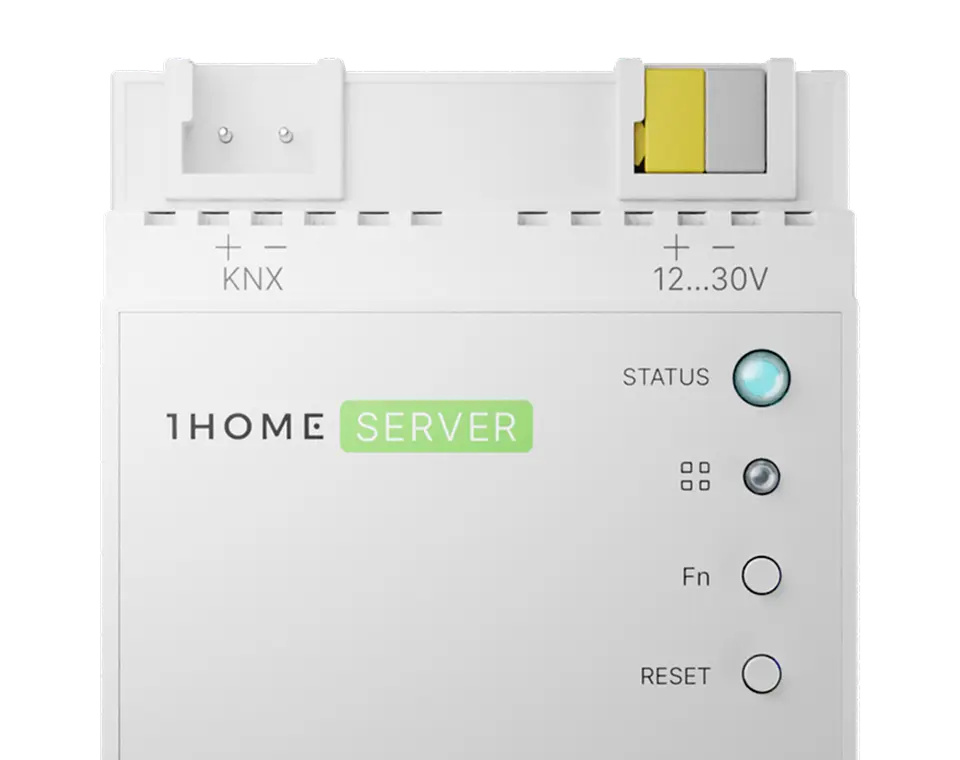
1Home Server Loxone
All the essentials for connecting Loxone to Matter and smart assistants, for homes of all shapes and sizes.
Buy nowKeep control where you want it - in the Loxone app.
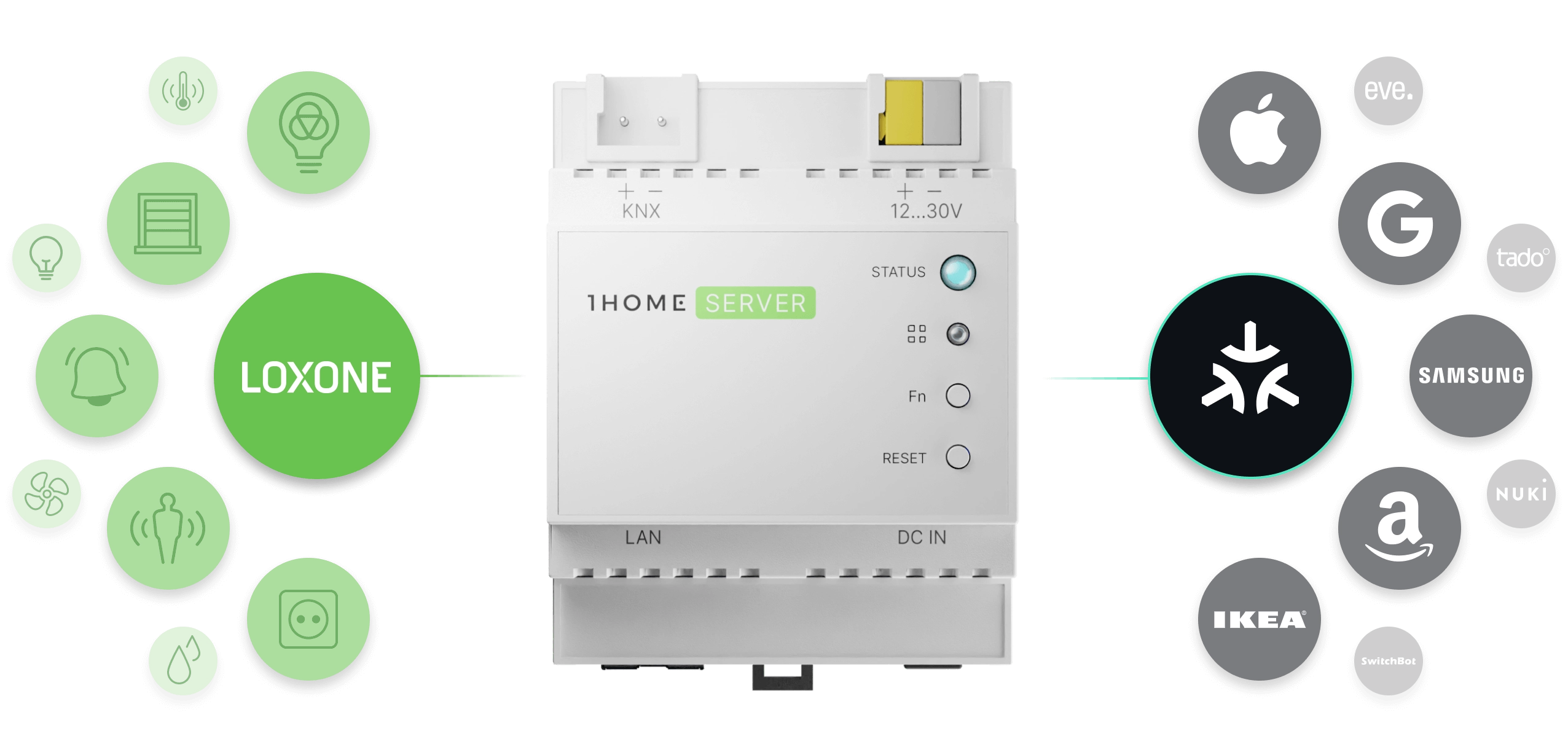
Create virtual devices in Loxone config, import them into 1Home, and use our Automation engine and Matter controller functionality to control them in the Loxone app - while 1Home triggers the desired action on linked Matter devices.
Get the most out of the smart home by setting up complex automation in a simple way. All running locally.
Now with LUA scripting
Triggers
Set rules for when certain automation should start.
Conditions
Make sure the conditions are met.
Actions
Configure desired action on any device.
Delays
Wait certain amount of time between conditions or actions.
Repeat
Do anything multiple times.
Notifications
Send different kinds of notifications to integrator or customer.
Calculate & Transform
Calculate or create new values based on system data.
Go in depth on 1Home Automations with our CTO Gregor.
Integrate 100s of IoT Matter devices as if they were a part of the Loxone installation. Easily create automations with a mixture of Loxone and Matter devices and retrofit wireless devices to your home all while maintaining central control over the system in one dashboard.
Options for every budget
For customers on a budget, choose cheaper Matter alternatives to Loxone devices.
Loxone & Matter as one
Use Matter devices with Loxone in automations as if they are a part of the same system.
Explore all Matter-supported devices
No internet connection required
1Home Server works locally and if you remove it from the internet it won't even notice. Both Loxone and Matter also don't require an internet connection so your home will always continue to work without interruptions (with the exception of voice control which does require internet).
Privacy focused engineering
Your home, your data. We respect your privacy and don't send any data to our servers except for critical system issues that might occur and basic system information needed for updating the software and remote access.
Automatic 10-minute setup.
We connect to Loxone API and automatically import your full Loxone configuration so there is basically no technical knowledge required for the setup.
Intuitive control in a single dashboard.
Manage all your devices, automation and connected apps within one simple to use dashboard.
Highly responsive support team - here for you.
Get expert help fast. System integrators can get access to our dedicated support channel with an even higher priority support.
For Crestron Home
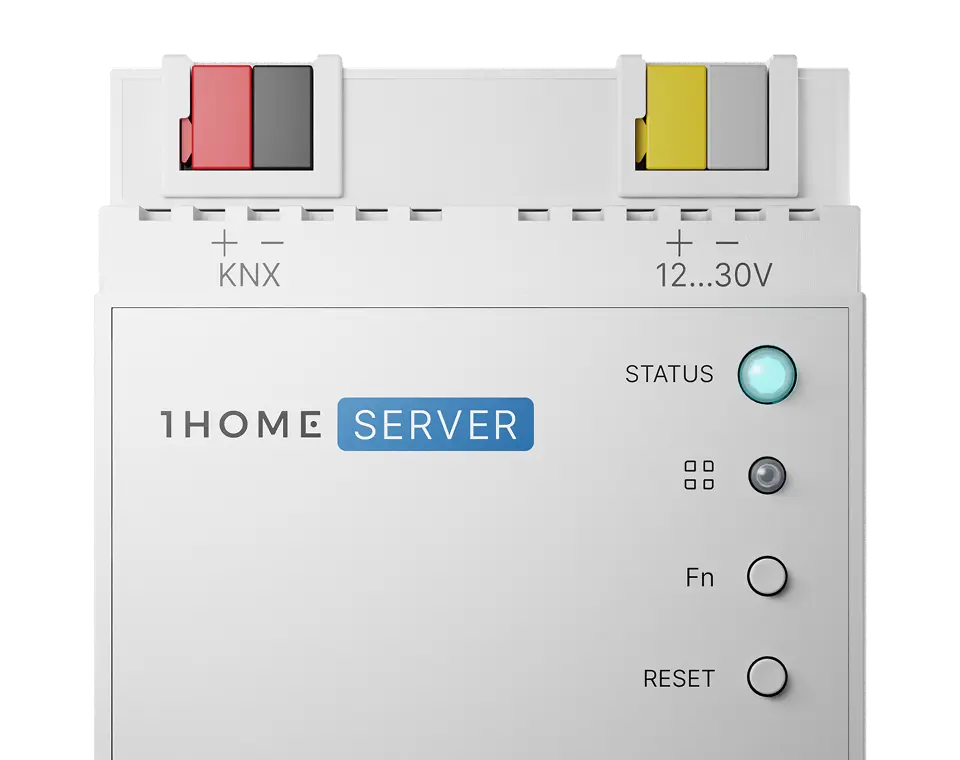
1Home Server CH
Automatically import, control, and sync KNX devices in Crestron Home. No extensive KNX knowledge required.
Buy nowSimply drag & drop the ETS project file and let our AI algorithm sync your KNX configuration. You can always tweak the configuration or add devices manually.
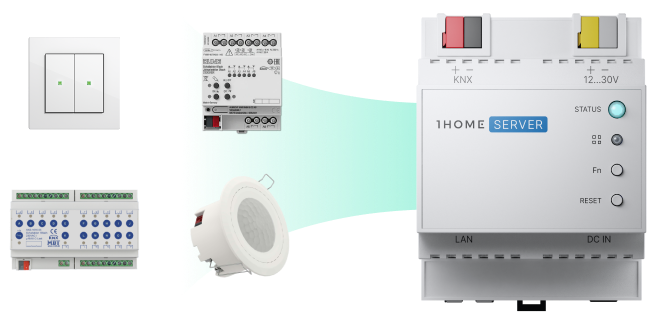
Use the Crestron Home Setup tool to install 1Home driver. All KNX devices will be automatically imported and can be used within the Crestron Home ecosystem.
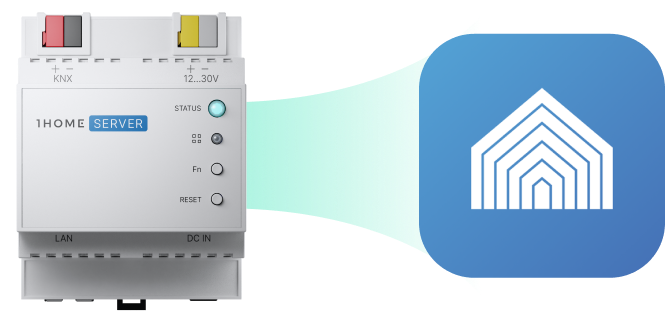
You can now control all of your devices directly from the Crestron Home App, use them in scenes, schedules, and actions.
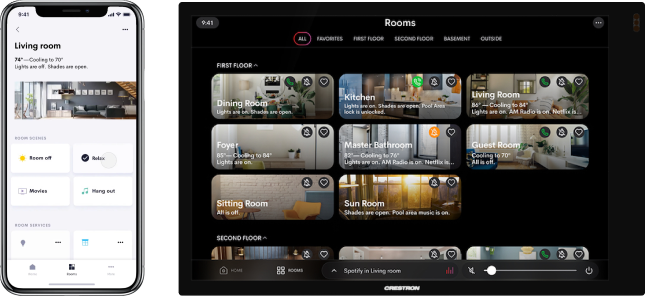
View the setup documentation
You control KNX devices bridged over 1Home Server CH the same way you are already used to in the Crestron Home App.
Cover all the basics
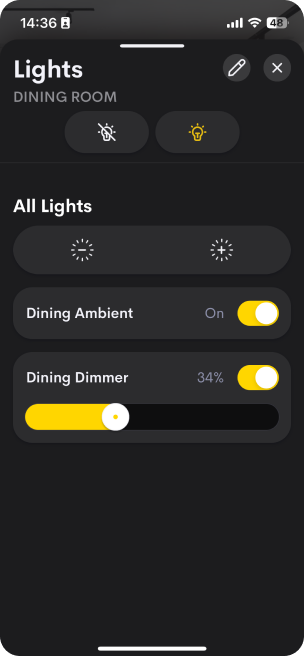
Dim KNX lights
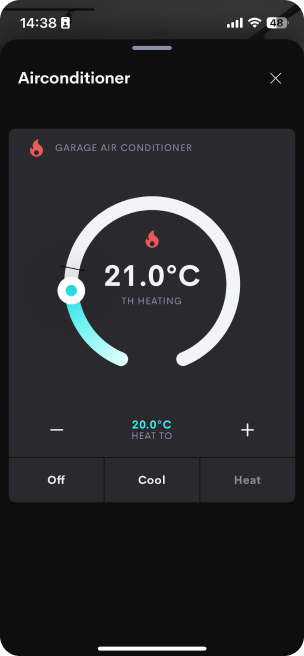
Adjust KNX HVAC
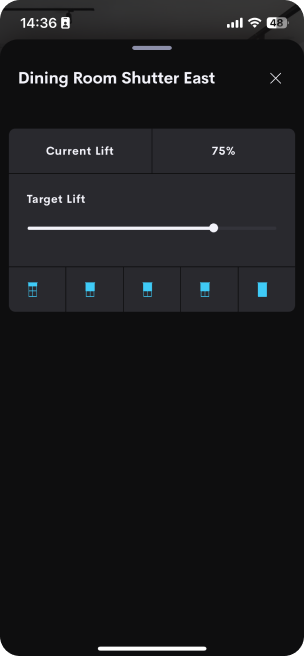
Control KNX shading
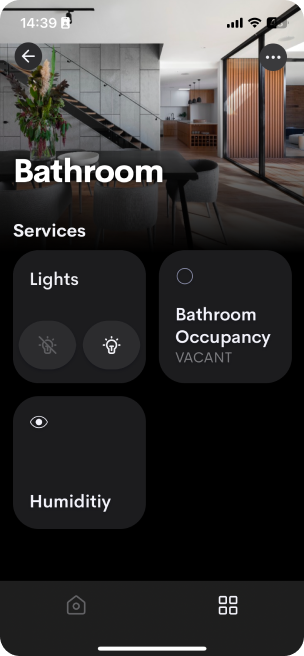
Monitor KNX sensors
And more
On / Off
Dimming
Color temperature
Full-color
Contact
Temperature
Humidity
Ambient light
Occupancy
Window covering shutter
Window covering jalousie
Door lock
Garage door
Thermostat
Air Conditioner
Push button
Pulse trigger
Scene trigger
Socket
1Home Automations gives you all the tools you need to handle more advanced requirements related to KNX.

KNX Time Server
Send time & date information to KNX bus.
Read & Write Directly to KNX
Work directly with KNX telegrams.
Actions
Configure desired action on any device.
Triggers
Set rules for when certain automation should start.
Calculate & Transform
Calculate or create new values based on system data.
Delays
Wait certain amount of time between conditions or actions.
Conditions
Make sure the conditions are met.
Secure remote access via ETS enables system integrators to have an overview of projects in one place and manage them remotely, making sure smart homeowners can receive faster support.
Connect without a VPN
Secure and quick connect enabled by IP whitelisting.
Connect securely with a tunnel connection
Secure network tunnel established by websockets.
Auto-Disconnect for a peace of mind
Set the time span after which the tunnel automatically turns off.
Faster response
Cut waiting times for receiving integrator support.
Next-level security with Server-only access
Limit access to the Server only, not the whole network (like with a VPN).
Your home, your control
Open/close access to your home under your own terms.
Legacy Devices
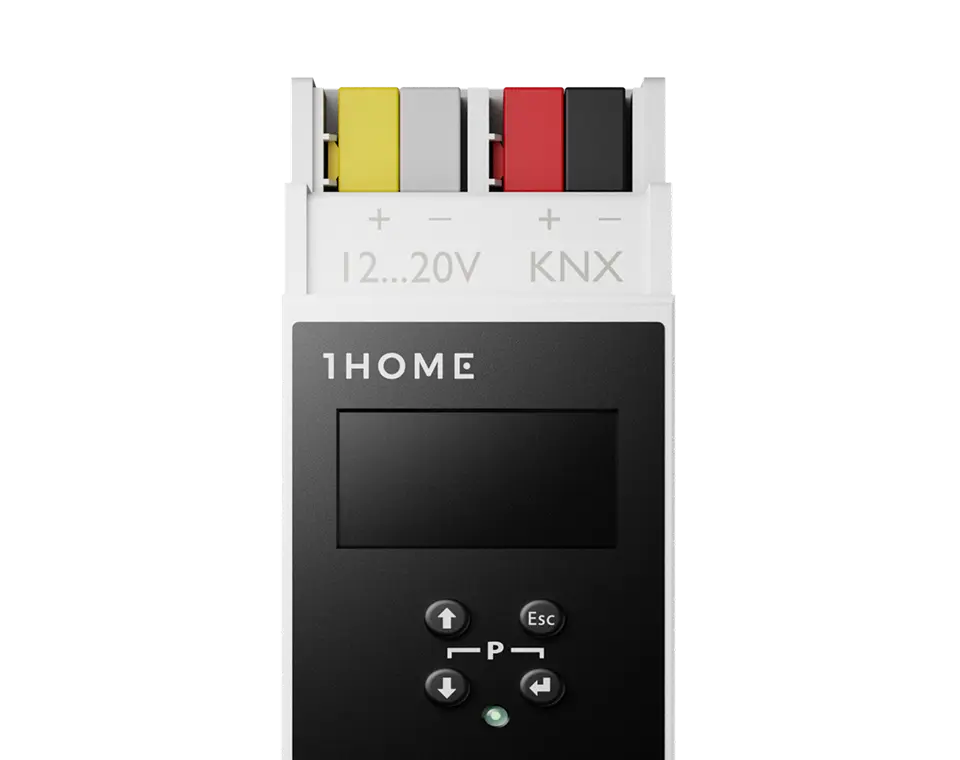
1Home Bridge
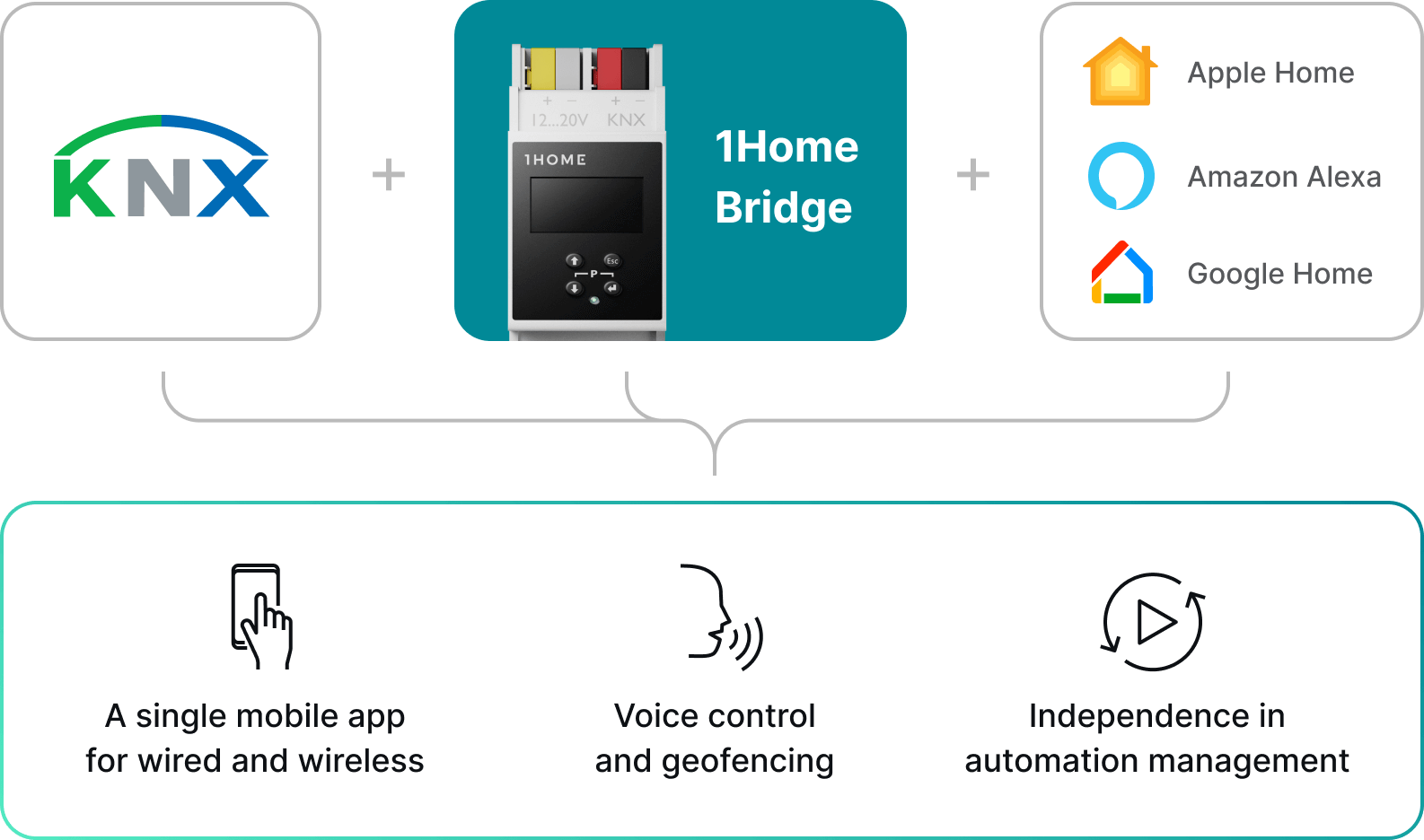
We suggest this device if you require Alexa (no good support for Matter bridges yet) or Sonos integration (not yet supported on 1Home Server).
Buy nowKNX brings stability and reliability while Smart Assistants enable modern functionality - put all this together, and you'll have the ultimate smart home experience
Dashboard
Lighting
Shading
Security
Temperature
Ventilation
Switch
Doorbell
Music
Wall Button
Air condition
Lighting
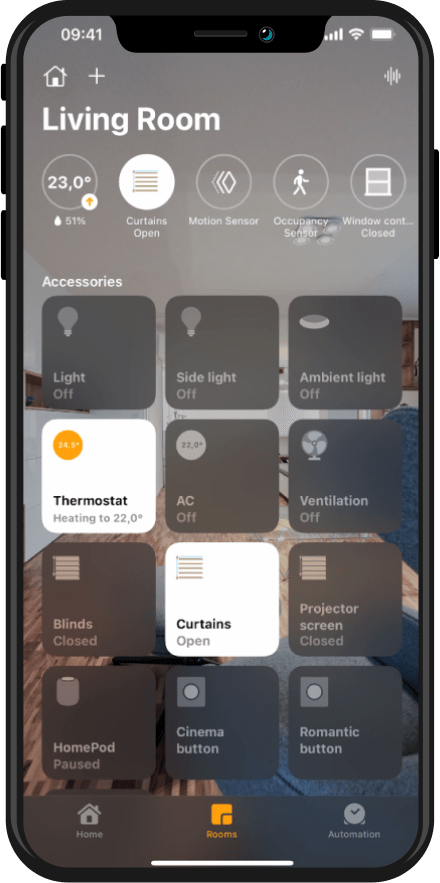
KNX smart homes are great but you might find yourself stuck in a wired world as it is really hard to integrate other products. And while KNX is definitely a reliable and long-lasting technology there is a whole new world of exciting wireless devices for music, security, cleaning, and more. You have one smart home - and you should only have one mobile app for controlling it. It is not surprising to end up using 5 mobile apps for managing different smart devices. With Apple Home app, you can centralize them all in a single, sleek mobile app that is really friendly to use. It can also be used to access your home remotely from anywhere, anytime.
Even use your location as an automation trigger.
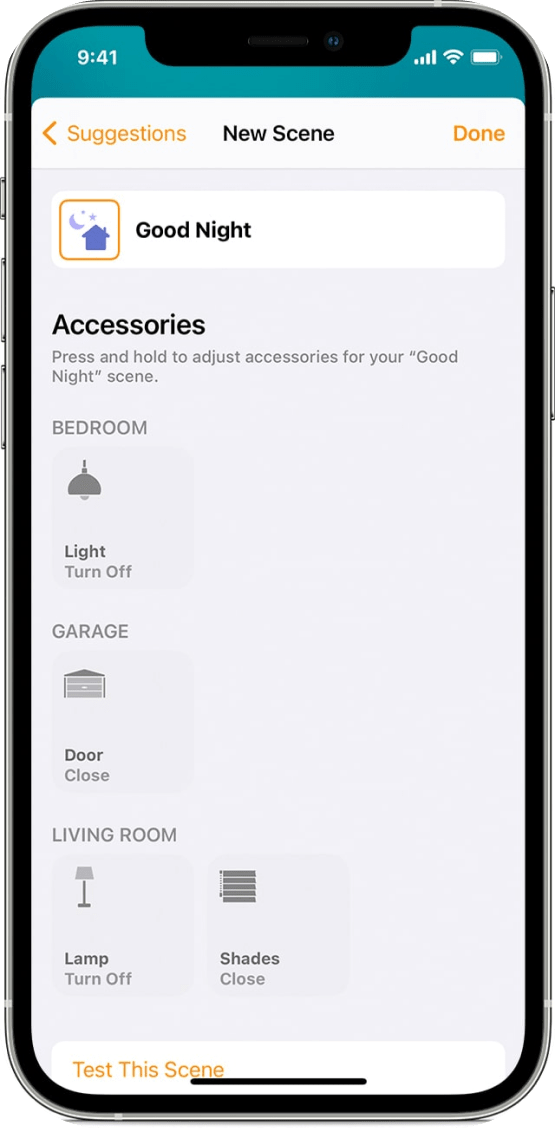
Create a scene
A geofence is an invisible boundary, a virtual perimeter for a real-world geographic area. For example, with geofencing you can create triggers so that when a device enters or leaves the pre-defined boundaries, a device turns on. This way a nicely lit house can await you when you come back from work.
Automatic configuration process, now 10x faster
We have put 6-years of engineering into developing a state of the art AI algorithm that will automatically sync your KNX configuration with 1Home out of an existing ETS project file. No time-consuming and stressful double-work copying KNX addresses. On average algorithm will take care of 80% of the work while the rest you can manually configure in our dashboard as any other visualisation server.
User friendly dashboard
In the 1Home dashboard you manage your smart home, your smart assistants, name/rename your devices and disable devices you don't want to share with smart assistants.
Professional support team
All our products are set up with no technical knowledge but if you need any advice our support & engineering team is happy to help.
Different installation options to suit your use-case
The 1Home Bridge can be installed either DIN-rail in your electrical cabinet by your smart home integrator or if you are already living in a KNX smart home and have an existing KNX IP Interface installed you can install 1Home Bridge in a retrofit way via POE adapter.
Partner map
Zoom in to your project location and contact the closest partner to handle the setup of 1Home devices for you.
Are you a smart home integrator? Get featured on the map.