

Is my thermostat compatible with 1Home Touch?
Are you planning to replace an existing KNX heating thermostat with 1Home Touch, or are you building a new home and want 1Home Touch as your main KNX heating controller?
Use the guide below to check if your system is compatible—and what you may need to add to make it work.
Check for compatibility
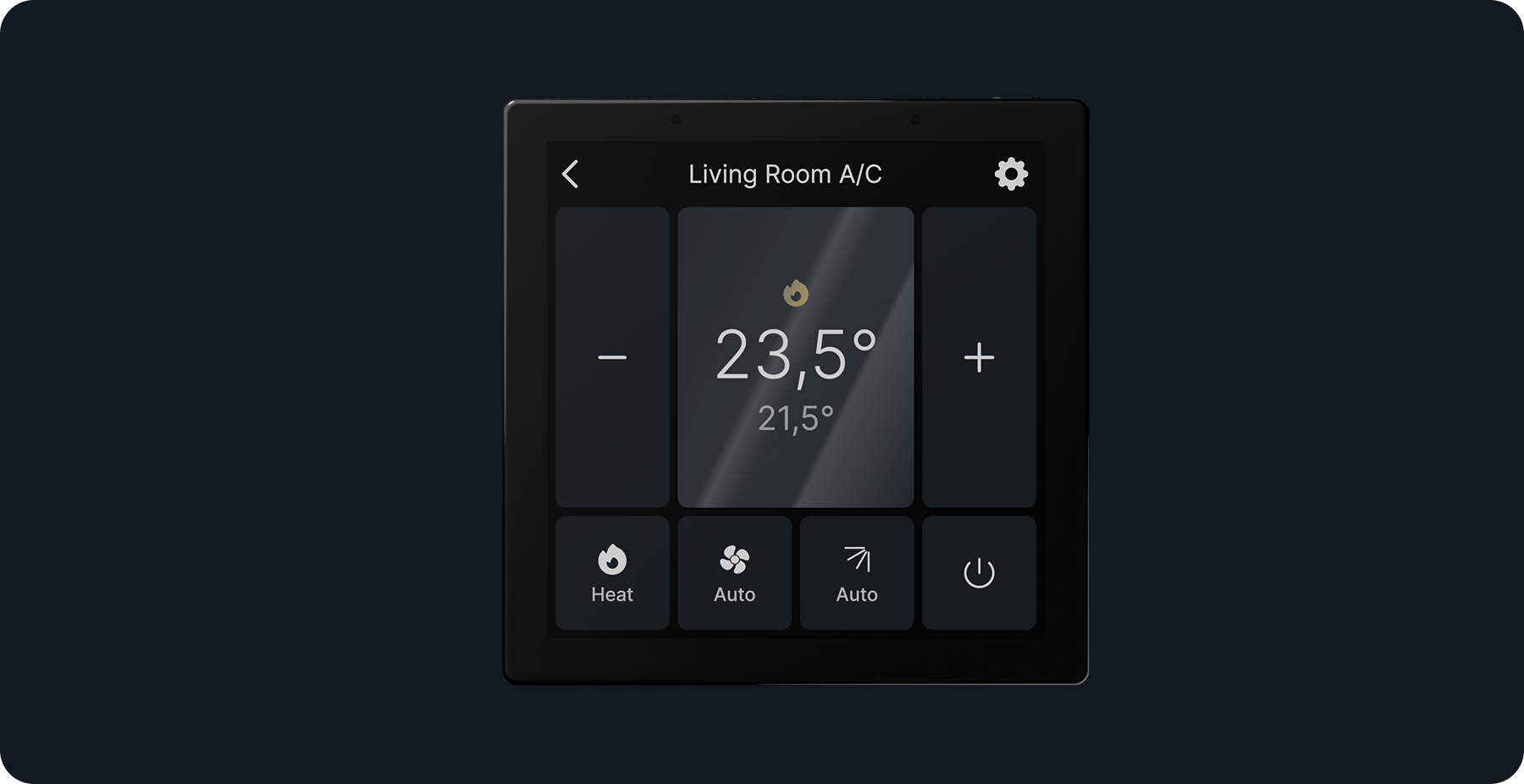
Air conditioners integrated via KNX
Air conditioners that communicate through KNX work with the 1Home Touch out of the box.
Explanation: AC units already have their own temperature sensor and internal control logic. 1Home Touch simply displays their available controls.
I am building a new house and want 1Home Touch as my main KNX heating control
To use 1Home Touch as your primary KNX thermostat, you will need both:
- A KNX temperature sensor in the room (see explanation below)
- Check that your KNX heating actuator has a built-in room temperature control logic - it must be able to read the temperature value and control the heating valve based on the setpoint. Most modern actuators (e.g., MDT) support this, but confirm before installation.
Explanation: 1Home Touch does not include a temperature sensor. LCD screens generate heat, which would distort temperature readings. Thus it is better to use an external temperature sensor.
Replacing an existing KNX heating thermostat
For AC systems, refer to the section above.
Most KNX heating thermostats include a temperature sensor and sometimes also the temperature-control logic.
If you remove the existing KNX thermostat, make sure you have both:
- An alternative KNX room temperature sensor (often already present on other KNX switches or sensors in the room)
- Check that your KNX heating actuator has a built-in room temperature control logic - it must be able to read the temperature value and control the heating valve based on the setpoint. Most modern actuators (e.g., MDT) support this, but confirm before installation.
Explanation: 1Home Touch does not include a temperature sensor. LCD screens generate heat, which would distort temperature readings. Thus it is better to use an external temperature sensor.
I’m adding 1Home Touch as a second thermostat control (keeping the original KNX thermostat)
This setup should work without any additional components.
Explanation: Your existing thermostat already handles temperature measurement and control. 1Home Touch simply provides an additional interface.
What about Matter thermostats?
Matter thermostats work with the 1Home Touch out of the box.
Explanation: They already include temperature sensors and control logic for heating and cooling.