Test your automation
You can test your automation with simulated trigger data and a simulated time.
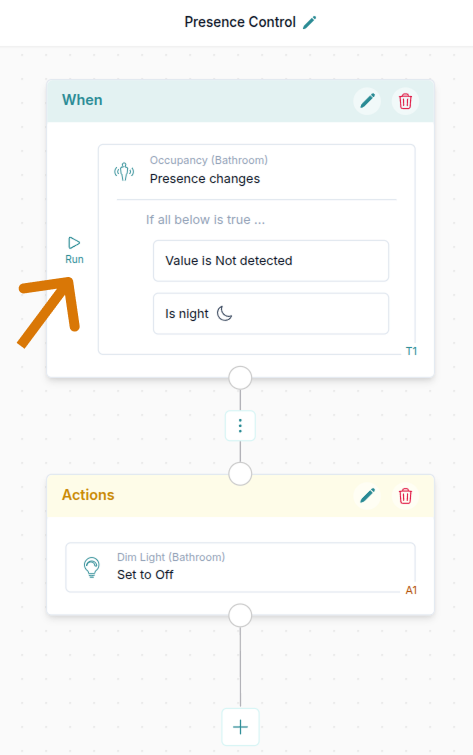
1. Select a trigger to test
First you choose a trigger with which you want to test the automation.
2. Set simulated data
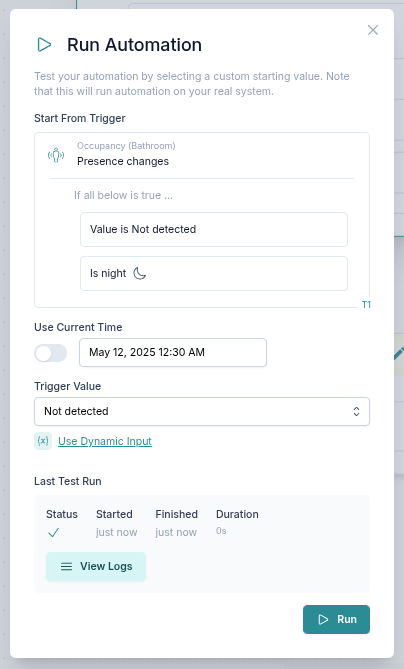
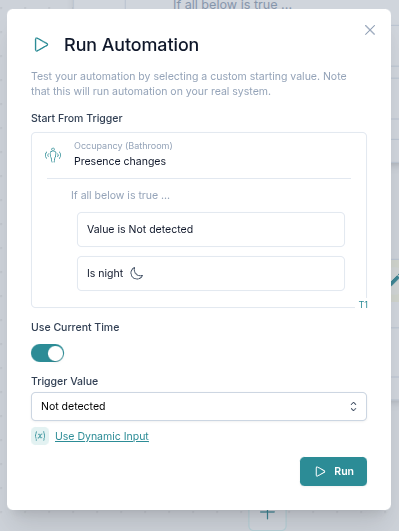
Select your simulated data:
- Time - select between custom and current time. This is useful if your automation contains time or sunrise/sunset based checks.
- Trigger Value - select which trigger data you want to start your automation with.
3. Run the test automation
After you click Run, you can see the status of this run and how long it took. You can click Run again to test the automation again.