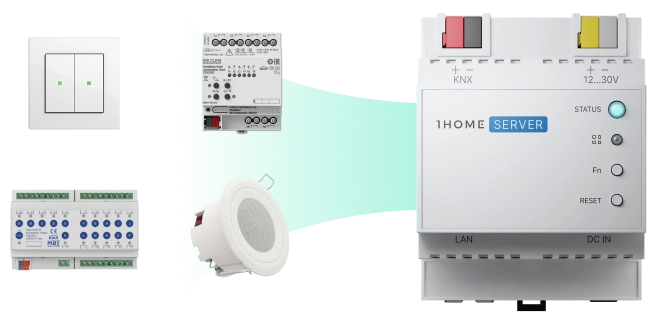
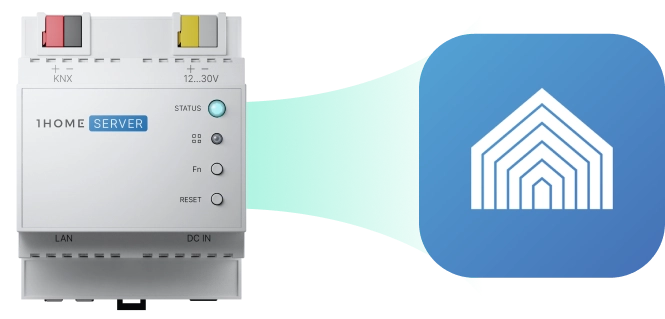
Simply drag & drop the ETS project file and let our AI algorithm sync your KNX configuration. You can always tweak the configuration or add devices manually.
2
Connect into Crestron Home with a Crestron driver
Use the Crestron Home Setup tool to install 1Home driver. All KNX devices will be automatically imported and can be used within the Crestron Home ecosystem.
3
Start using KNX devices in Crestron Home
You can now control all of your devices directly from the Crestron Home App, use them in scenes, schedules, and actions.
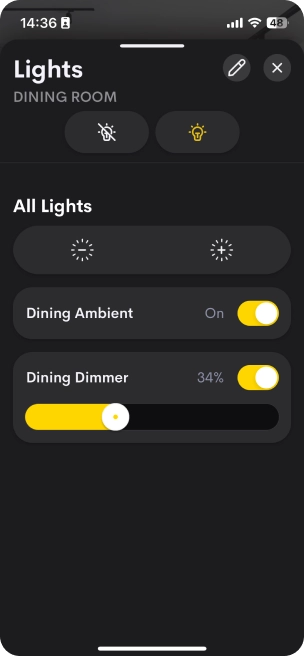
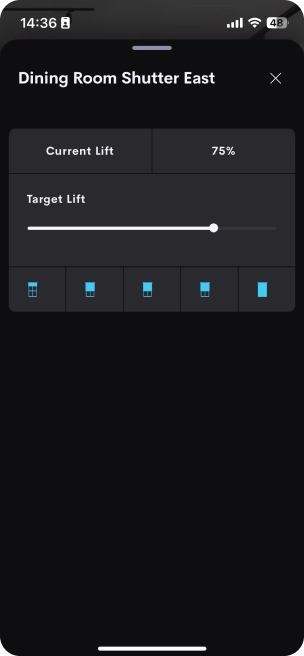
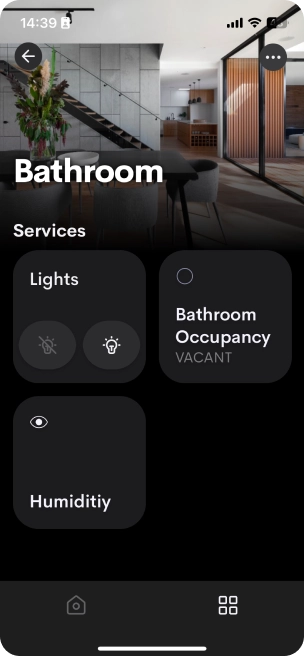
You control KNX devices bridged over 1Home Server CH the same way you are already used to in the Crestron Home App.
Cover all the basics
Dim KNX lights
Adjust KNX HVAC
Control KNX shading
Monitor KNX sensors
And more
Lights
On / Off
Dimming
Color temperature
Full-color
Sensors
Contact
Temperature
Humidity
Ambient light
Occupancy
Window & Door Controls
Window covering shutter
Window covering jalousie
Door lock
Garage door
Climate Control Devices
Thermostat
Air Conditioner
Trigger Devices
Push button
Pulse trigger
Scene trigger
Other
Socket
Handle KNX specifics with 1Home Automations
1Home Automations gives you all the tools you need to handle more advanced requirements related to KNX.
KNX Time Server
Send time & date information to KNX bus.
Read & Write Directly to KNX
Work directly with KNX telegrams.
Actions
Configure desired action on any device.
Triggers
Set rules for when certain automation should start.
Calculate & Transform
Calculate or create new values based on system data.
Delays
Wait certain amount of time between conditions or actions.
Conditions
Make sure the conditions are met.
Securely connect to your KNX installation remotely via ETS
Instant support for homeowners, less time on-site for system integrators ⚡
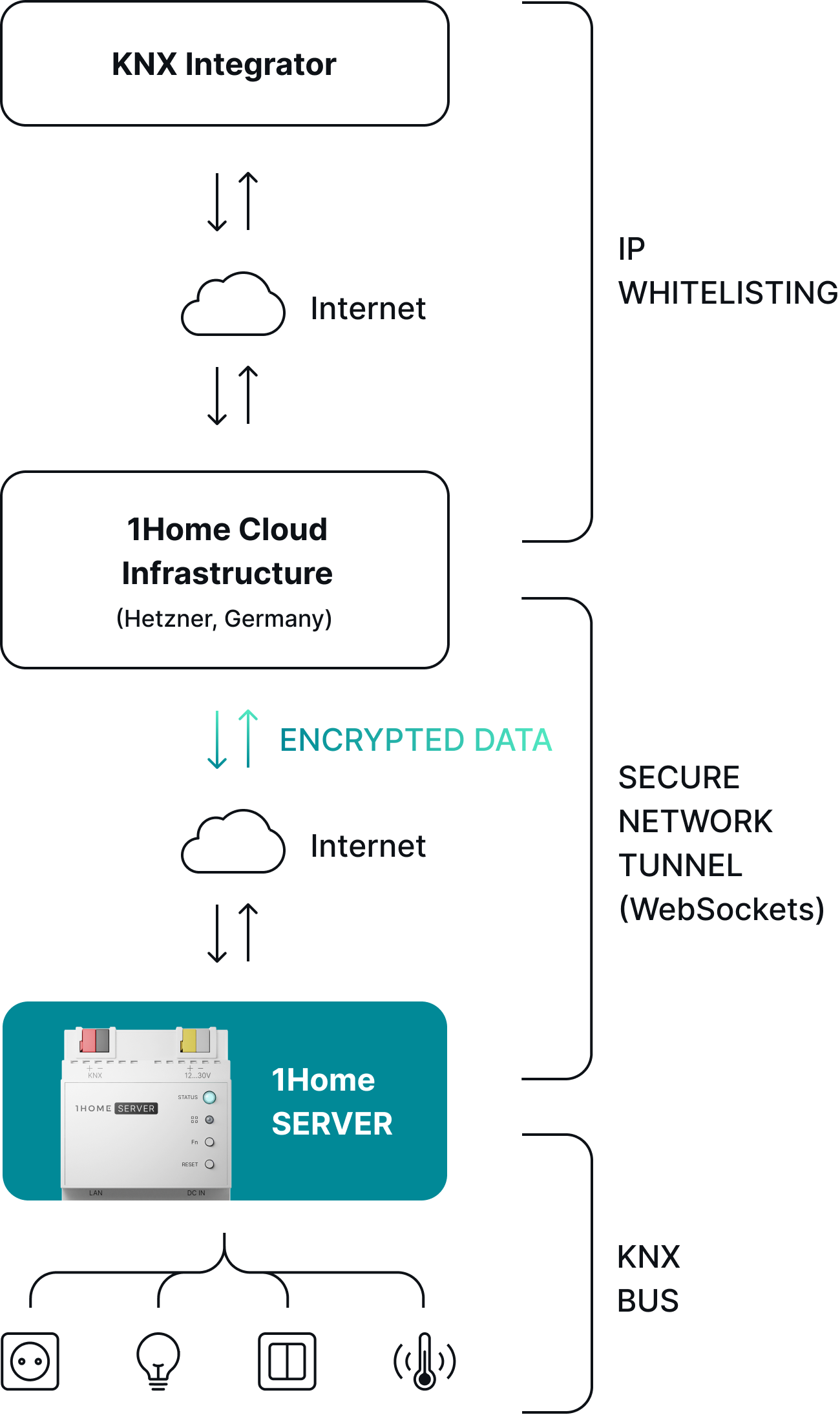
Secure remote access via ETS enables system integrators to have an overview of projects in one place and manage them remotely, making sure smart homeowners can receive faster support.
For smart home integrators
Connect without a VPN
Secure and quick connect enabled by IP whitelisting.
Connect securely with a tunnel connection
Secure network tunnel established by websockets.
Auto-Disconnect for a peace of mind
Set the time span after which the tunnel automatically turns off.
For smart home owners
Faster response
Cut waiting times for receiving integrator support.
Next-level security with Server-only access
Limit access to the Server only, not the whole network (like with a VPN).
Your home, your control
Open/close access to your home under your own terms.
Effortlessly connect KNX to Crestron Home
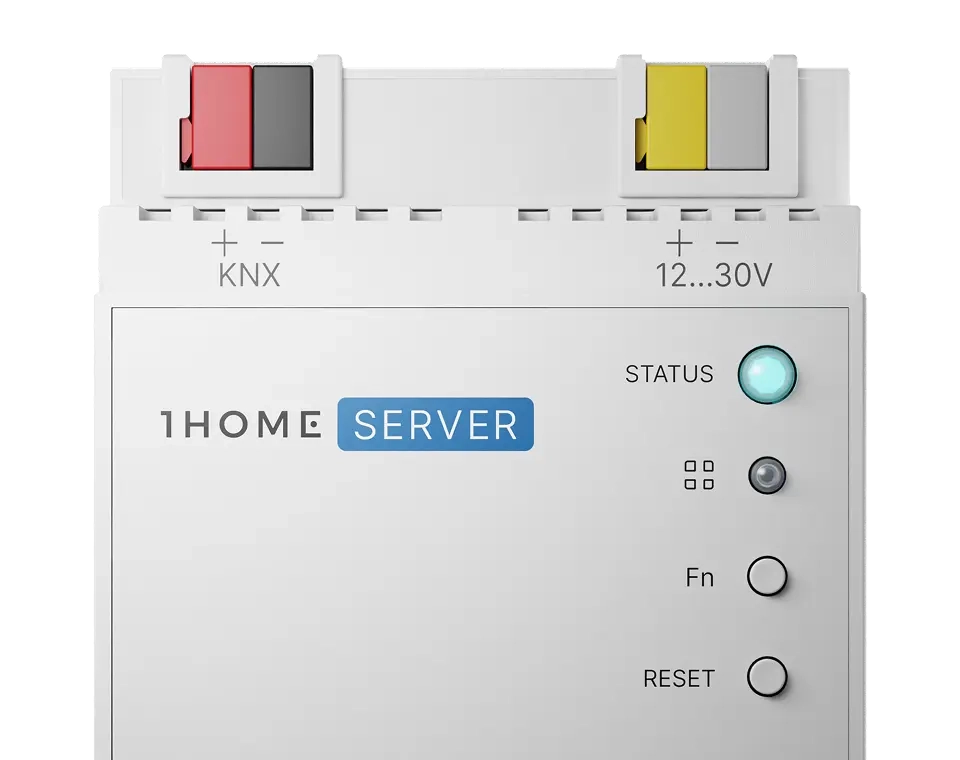
1Home Server KNX Pro
Everything you need for a professional and modern KNX experience. For homes of all shapes and sizes.
Coupon for an additional 10% off any 1Home Touch order.
KNX to Matter integration
Bring your devices to Apple Home, Google Home, Amazon Alexa, SmartThings, Home Assistant, and other Matter-compatible apps. Device limit: 250 (optimal for all sizes of installations)
Matter to 1Home integration
Bring any Matter device such as Matter lights, blinds, sensors etc. to 1Home. Device limit: 100
* Matter Bridges (e.g. Philips Hue) have no limit on bridged devices, and count as 1 physical device.
Matter to KNX Gateway
Assign group addresses to Matter-certified IoT devices and use them within ETS. Device limit: 100
Sonos to KNX integration
Assign KNX group addresses to Sonos controls and configure them in ETS as native KNX devices.
KNX to 1Home integration
Bring devices from KNX such as lights, blinds, thermostats (and many more) to 1Home. Unlimited devices.
KNX Traffic monitor & history
Monitor KNX traffic live or analyse historical data. Filter by devices or group addresses and read or write KNX telegrams directly to the bus.
System monitor
Track device changes in real time and see what triggered each change. Analyse historical system traffic as well.
Graphs
Visualize your smart home data with automatically generated or custom graphs.
1Home Mobile App
Control all your KNX and Matter devices, remotely or locally, from a single mobile app.
1Home Automations
Create complex automation in a simple, drag-and-drop interface. Now with Lua scripting. Automations limit: 150
KNX Time Server
Sync time across your KNX system and set up timers or schedules.
Crestron Home Integration
Effortlessly bring KNX devices to Crestron Home.
Loxone to Matter Integration
Bring your devices to Apple Home, Google Home, Amazon Alexa, SmartThings, Home Assistant, and other Matter-compatible apps. Device limit: 250 (optimal for all sizes of installations)
ETS Secure Remote Programming
Connect to, program and monitor your KNX installation remotely via ETS from anywhere in the world.
Remote dashboard access and multi project management
Access all your 1Home devices remotely from one simple to use dashboard. Optimized to easily manage many projects remotely together with your team.
KNX IP Interface
Built in KNX IP interface with 4 available KNX IP tunnels.
Automatically connect to Loxone via Miniserver API and sync configuration
Automatic ETS device detection
Upload your ETS project file for automatic grouping of KNX group objects and group addresses into devices such as lights, blinds, thermostats and more. No more manual typing in hundreds of group addresses.
Local & Private connection, no Internet required
Configuration backup
Export your 1Home Server configuration to a file to keep it as a backup or to reuse it in another project.
* For shipments outside the EU, customs and taxes are not included.
Frequently asked questions
There are a couple of key differences between the Bridge and the Server.
Both devices bridge KNX devices to smart assistants, but 1Home Server does this using Matter - the future-proof local-first open standard which all of the assistants are migrating to and are using as their core smart home protocol.
1Home Server runs completely locally (with the exception of the KNX ETS auto-detection feature) and is built to run without the cloud. 1Home Bridge still depends on the 1Home cloud to some extent, mostly due to the requirements of the older proprietary assistant integrations.
The 1Home Server also comes with powerful in-house designed hardware and with greater performance on which we have added more demanding functionality such as 1Home Automations.
Matter is an open standard for smart home technology that allows interoperability between any Matter-certified devices using a single protocol. The standard is already widely adopted and its fast growth is backed by industry leaders like Apple, Google, Amazon, Samsung, Philips, Eve, etc.
Matter unifies all smart home assistants (Apple, Google, Samsung, Alexa, etc.) to a single protocol giving the consumer the ability to choose their preferred smart home assistant ecosystem.
No, we do not charge monthly recurring fees.
You can request a refund of your order within the first 30 days since the order was delivered to you. Once the 30 days have passed since delivery, you will not be offered a refund and/or exchange of any kind. After discussing the refund with our support agents you have to ship the order back within the next 10 days. Learn more in our return policy.
The configuration is as simple as plug-and-play. You need no prior KNX ETS knowledge or special software. You also don't need to have an ETS license. All configuration is done via the local web dashboard. You can learn more here.